5 JavaScript Login Forms
JavaScript is crucial for making login forms functional and secure. It is used for client-side validation to provide instant feedback on input errors, to show/hide passwords for better usability, and to handle the form submission asynchronously using the Fetch API. This prevents a full page reload and allows for a smoother user experience. A well-implemented login form with JavaScript provides a secure and user-friendly authentication process. This collection features login forms with robust JavaScript validation and asynchronous submission. Explore examples to learn how to build secure and modern login experiences.

Login Form with Password Toggle
A beautifully designed animated login form created using HTML, CSS, and JavaScript, featuring a smooth background animation and an interactive password visibility toggle. The form uses Google Fonts and Material Icons for a modern look, while the floating label animation enhances the user experience. When users click the eye icon, the password input toggles between hidden and visible, providing convenience and style.

Vault Login with Fingerprint Scan
A Futuristic Vault Login with Fingerprint Scan is a creative web design component that simulates a biometric login interface with a fingerprint scanning animation. Built with HTML, CSS, and JavaScript, its purpose is to provide a visually stunning and secure-looking login process.

Comic Style Single Page Login and Signup Form
A Comic Style Login and Signup Form is a creative web design component that provides a user authentication interface with a unique, comic book-inspired aesthetic. Built with HTML, CSS, and JavaScript, its purpose is to create a fun, visually engaging, and responsive form that is both memorable and user-friendly. This form is a great example of how to use code to create a distinctive brand identity, making the sign-up and login process a more interactive experience.
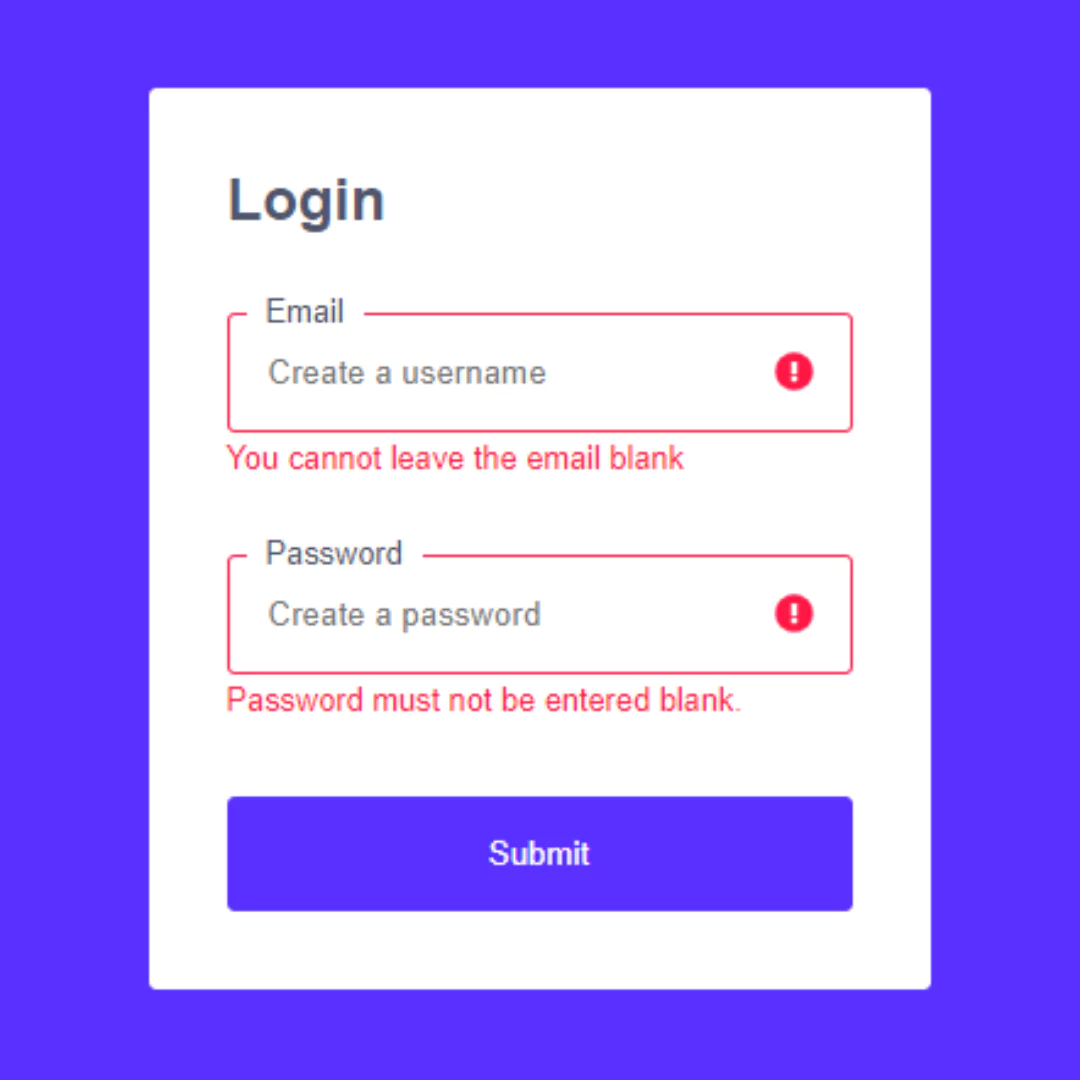
React.js Login Form with Validation
A Secure React.js Login Form with Validation is a robust and user-friendly web component that authenticates users while protecting against invalid data. Built with React.js, its purpose is to provide a seamless and professional login experience. This form features real-time validation, which provides immediate feedback to the user on input errors, thereby preventing incomplete data from being submitted and enhancing overall security and user satisfaction.
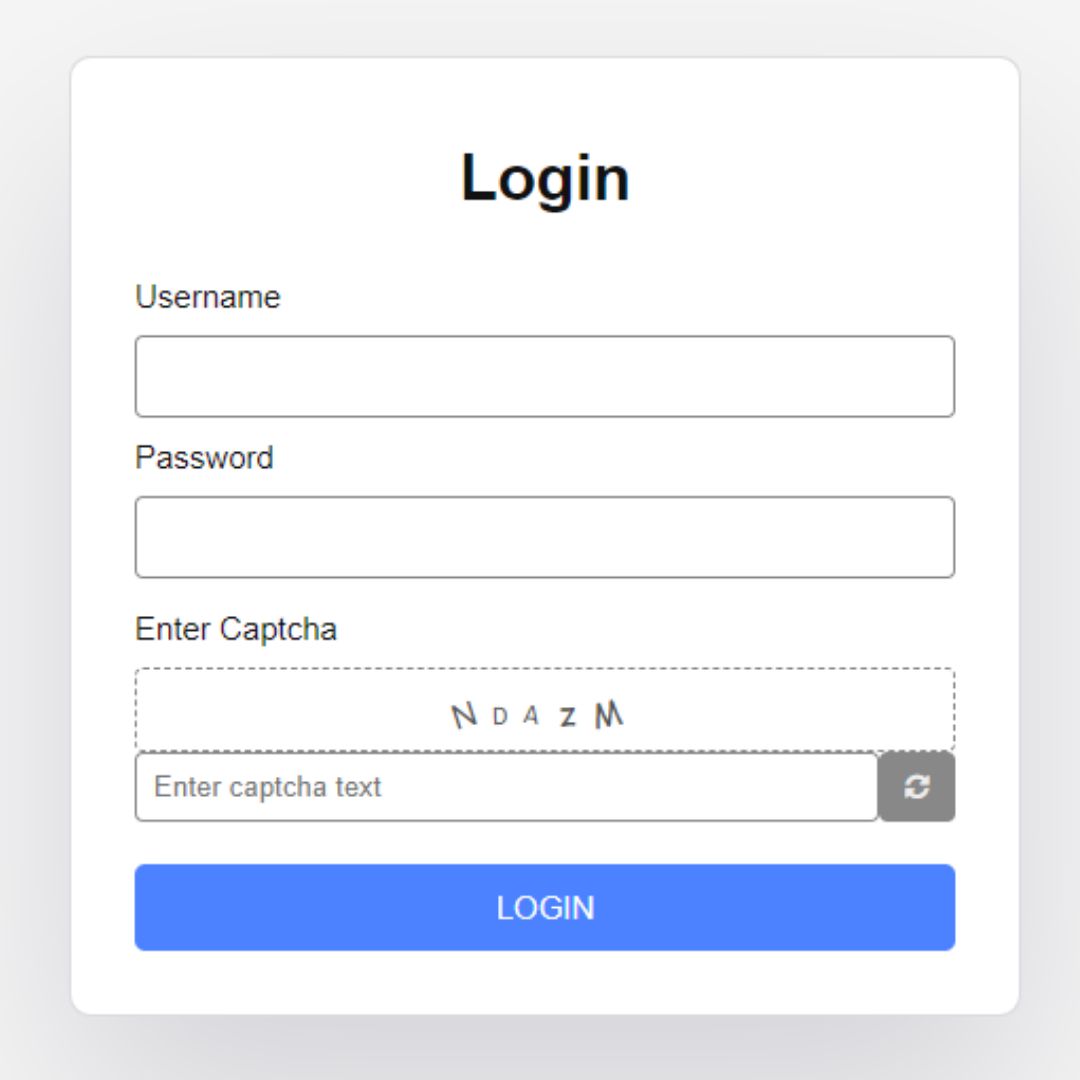
Login Form with Captcha
A Login Form with Captcha is a crucial web security feature that protects websites from automated bots and malicious attacks. Built with HTML, CSS, and JavaScript, its purpose is to verify that a user is human before allowing them to log in. This component enhances a website's security by adding a layer of verification, such as a scrambled image or a simple challenge, to the login process, thereby preventing fake accounts and brute-force password attempts.