8 CSS Toggle Switches
Toggle switches are a user-friendly alternative to checkboxes for on/off states. With CSS, you can create beautiful and animated toggle switches from a standard checkbox input. This technique involves hiding the default checkbox and styling its label and pseudo-elements to create the switch's track and thumb. CSS transitions are used to animate the movement of the thumb when the state changes, providing clear visual feedback. This collection features a wide range of custom CSS toggle switch designs. Discover different styles and animations to create intuitive and modern UI controls.

Animated Tab Switcher with Icon Button
A sleek and modern UI component combining a tab switcher with an interactive icon button. Users can toggle between "Day" and "Week" views with a smooth sliding indicator that highlights the active tab. The circular icon button adds a functional or decorative element with hover feedback.

Fruit Toggle Switch Animation
A creative fruit-themed toggle animation built using HTML, CSS (Sass), and SVG. It allows users to switch between an apple and a pear with a smooth transition effect. The design features detailed vector illustrations with realistic shading, color blending, and blur filters. When toggled, the background color, fruit shape, and labels animate fluidly, showcasing advanced SVG path techniques and CSS transitions.

Soft Toggle Switch
The Soft Toggle Switch is a smooth and elegant UI component designed with pure HTML and SCSS. It features a soft gradient background, rounded edges, and a realistic thumb that slides effortlessly when toggled. The switch transitions between two color themes — cool aqua tones and warm coral hues — giving it a refined, tactile look.

Day and Night Toggle Switch
The Day and Night Toggle Switch is a stylish and minimal UI element that smoothly transitions between day and night themes using pure HTML and SCSS. When toggled, the background and icons dynamically change — from a bright sun with a soft sky to a glowing moon with a cool night hue.

CSS Switches Collection
A sleek collection of CSS switches showcasing six unique toggle designs, including round sliders, modern flat toggles, and animated moon-sun theme switches, all built with pure HTML and CSS for interactive UI elements without JavaScript.

Custom Toggle Switches
A set of modern CSS toggle switches featuring round, square, and disabled styles. Smooth sliding animations and color changes make them perfect for interactive UI elements in dashboards, forms, or settings panels.
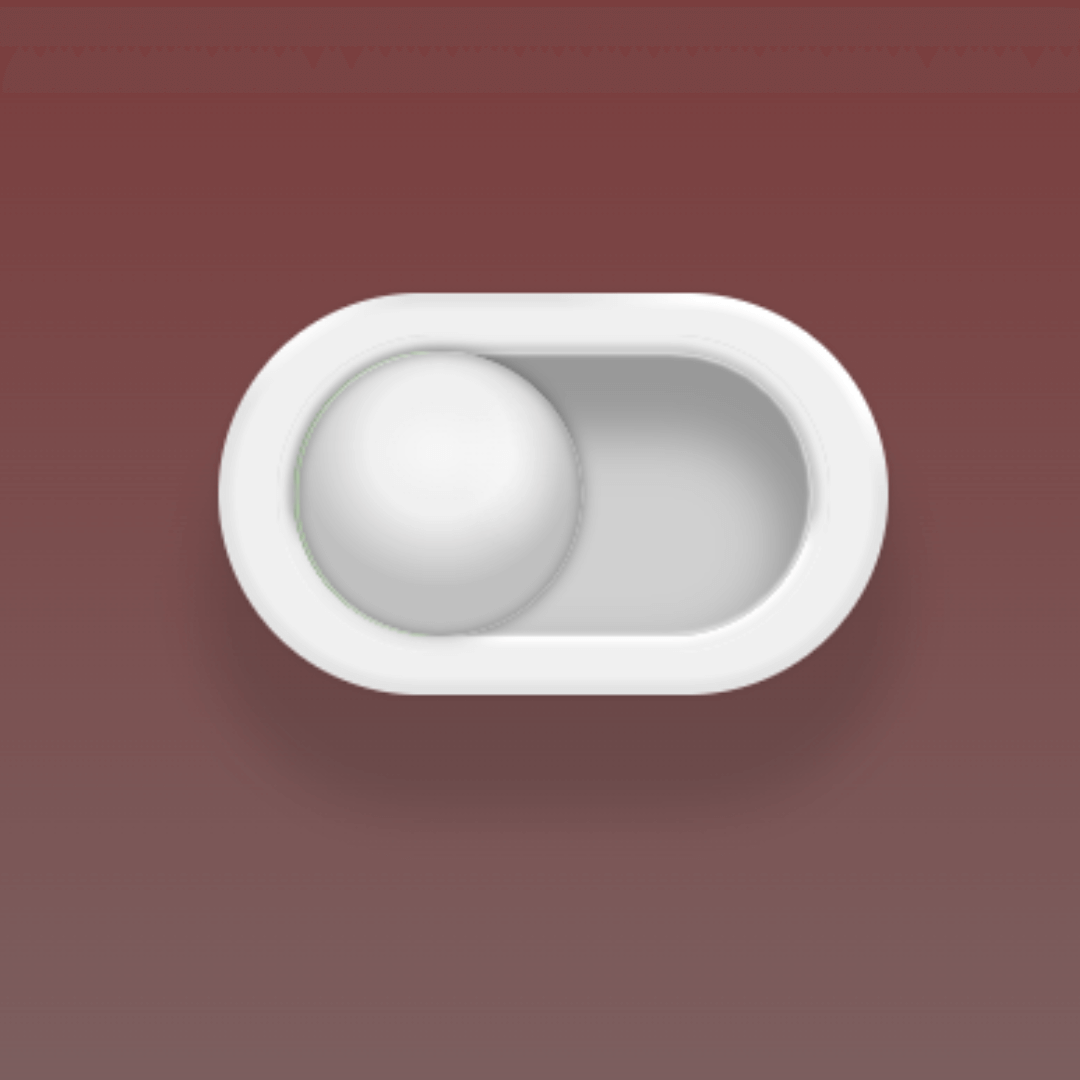
Toy Toggle Switch Button
A Toy Toggle Switch Button is a web design component that simulates a visually appealing, interactive switch. Built with HTML and CSS, its purpose is to create a unique and playful interface element without relying on JavaScript. This button uses advanced CSS techniques to create a three-dimensional, animated effect that mimics a physical switch, making it a great design choice for websites aiming for a whimsical or modern aesthetic.
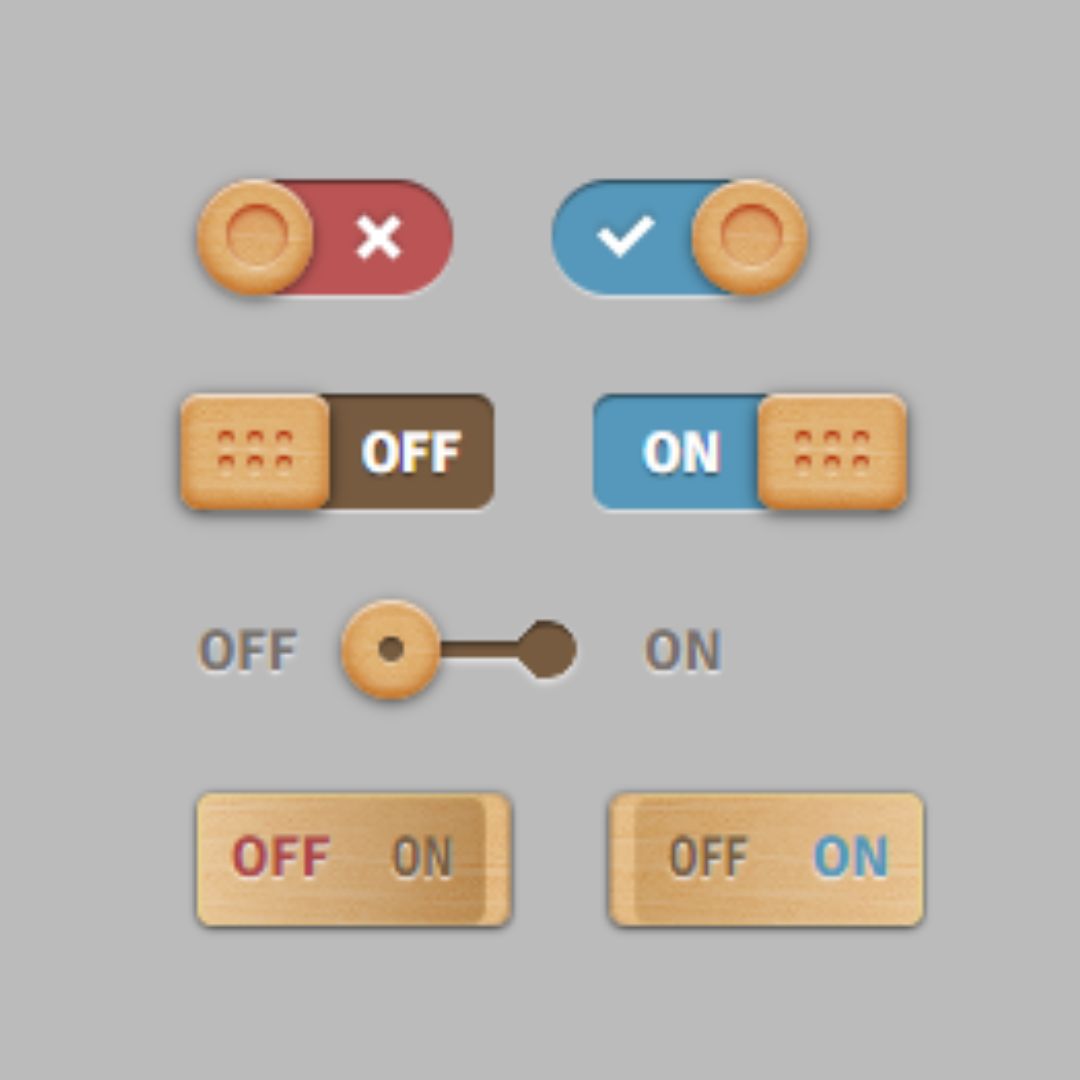
Wooden Toggle Button
A Wooden Toggle Button is a visual web design component that simulates a realistic, toggleable wooden switch. Built with HTML for the structure and CSS for styling, its purpose is to create a unique and tactile user interface element.