4 JavaScript Tabs
A tabbed interface is a great way to organize content in a compact space. JavaScript provides the logic for this component: it listens for clicks on the tab headers, and when a tab is clicked, it hides all content panels and shows only the one associated with the clicked tab. It also manages the active state styling for the tabs. This is a classic DOM manipulation exercise that is fundamental to front-end development. This collection showcases a variety of functional tab components built with JavaScript. Learn how to create organized, space-saving content sections for your web pages.

Accessible Keyboard-Friendly Tabbed Interface
A clean, responsive tabbed content interface built with HTML, CSS, and JavaScript. The design supports both mouse and keyboard navigation, implementing WAI-ARIA roles (tablist, tab, tabpanel) for accessibility. Users can switch tabs via clicks or arrow keys, with visual focus indicators and smooth panel transitions. The layout adapts to smaller screens, stacking tabs vertically for mobile devices. Ideal for FAQs, multi-section documentation, dashboards, or any interface that benefits from organized, switchable content panels.

Rounded Corner Tabs with Dynamic Borders
A stylish and functional tab component featuring rounded corners, animated borders, and smooth transitions between panels. Each tab highlights on hover or selection, with accessibility support for keyboard navigation using arrow keys, Home, and End. The design uses CSS Grid for layout, SVG filters for curved tab borders, and JavaScript to handle switching logic, creating a clean and visually rich tab interface perfect for modern web projects.
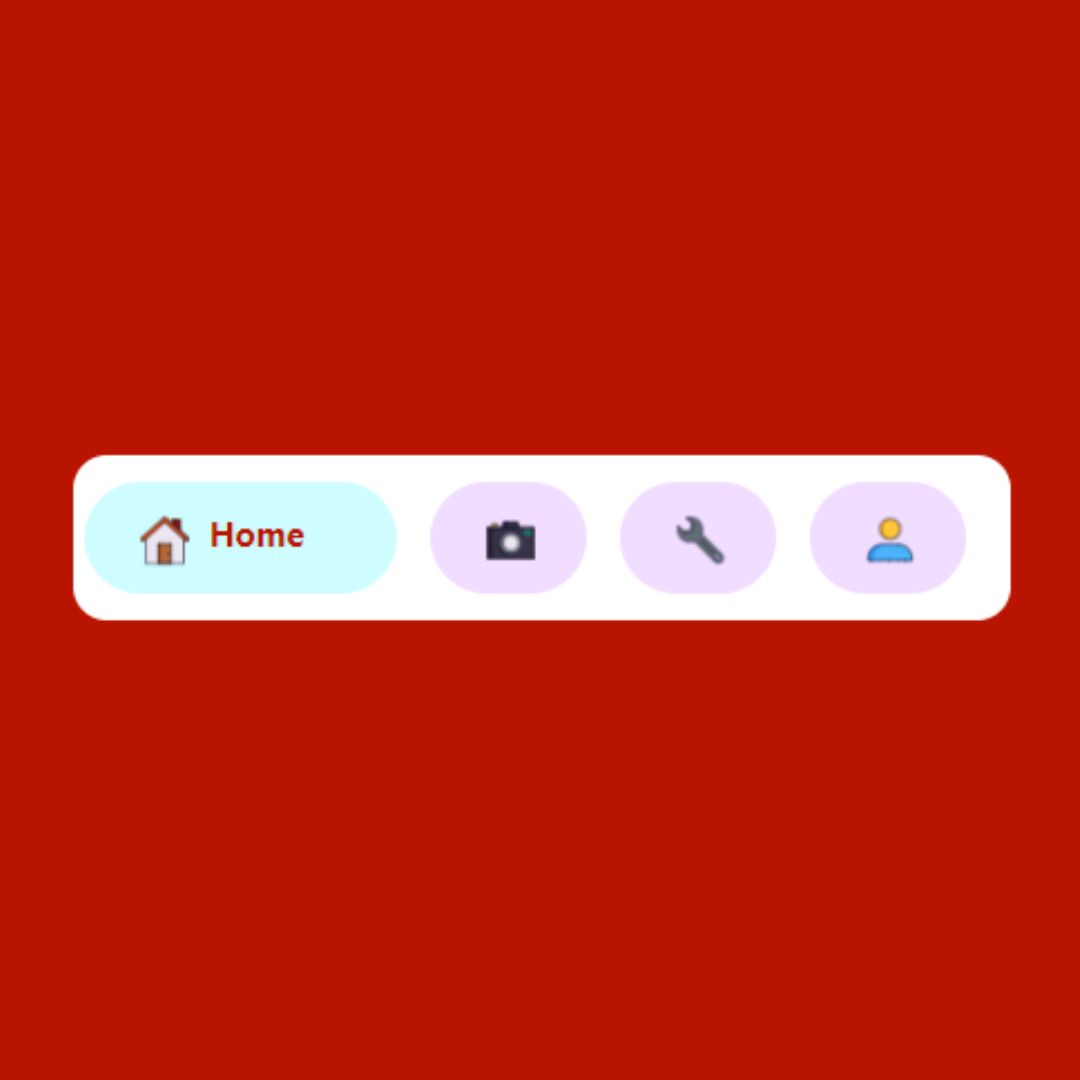
Animated Tab Bar
A Animated Tab Bar is a modern web design component that provides a sleek and interactive navigation menu. Built with HTML, CSS, and JavaScript, its purpose is to create a captivating user experience on websites and web applications.
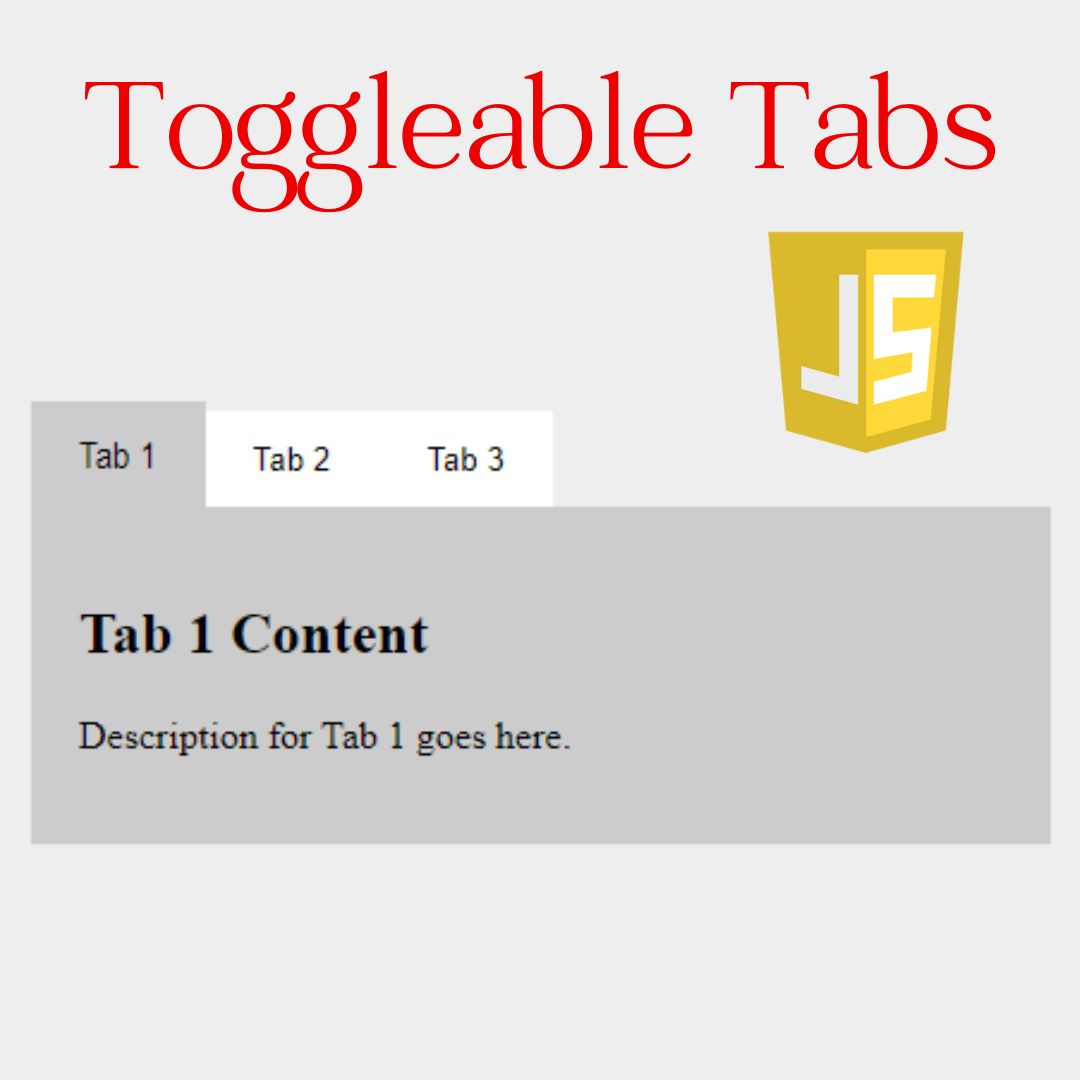
Toggleable Tabs
A Toggleable Tabs component is a highly effective web design technique for organizing and displaying large amounts of related content in a compact space. Built with HTML, CSS, and JavaScript, its purpose is to enhance user experience by preventing a single page from becoming cluttered. This feature allows users to switch between different content panels with a simple click, making a website's information easier to access, understand, and navigate.