5 JavaScript Tables
A JavaScript table, often referred to as a data table, enhances a standard HTML table with interactive features that make large data sets easy to navigate and analyze. While HTML provides the structure, JavaScript is used to add a dynamic layer of functionality, transforming a static display of data into a powerful user interface component. JavaScript is used to implement essential features like client-side sorting by clicking on column headers, live searching or filtering to instantly narrow down results, and pagination to break down thousands of rows into manageable pages. This allows users to find the information they need quickly and efficiently without reloading the page. This collection showcases a variety of interactive data tables built with vanilla JavaScript. You'll find examples that demonstrate how to implement sorting, searching, and pagination from scratch. Explore these projects to learn how to make your data tables more user-friendly and functional for any data-heavy application.

Interactive Sortable Table
A clean and modern student table with clickable headers that allow dynamic sorting by first name, last name, level, or age. Each column header shows an arrow indicator for ascending or descending order, making it easy to organize data visually. The table includes a sticky header for smooth scrolling, alternating row backgrounds for readability, and a stylish card layout with a header containing actionable buttons, ideal for dashboards or student management interfaces.
Draggable Table with Interactive Columns
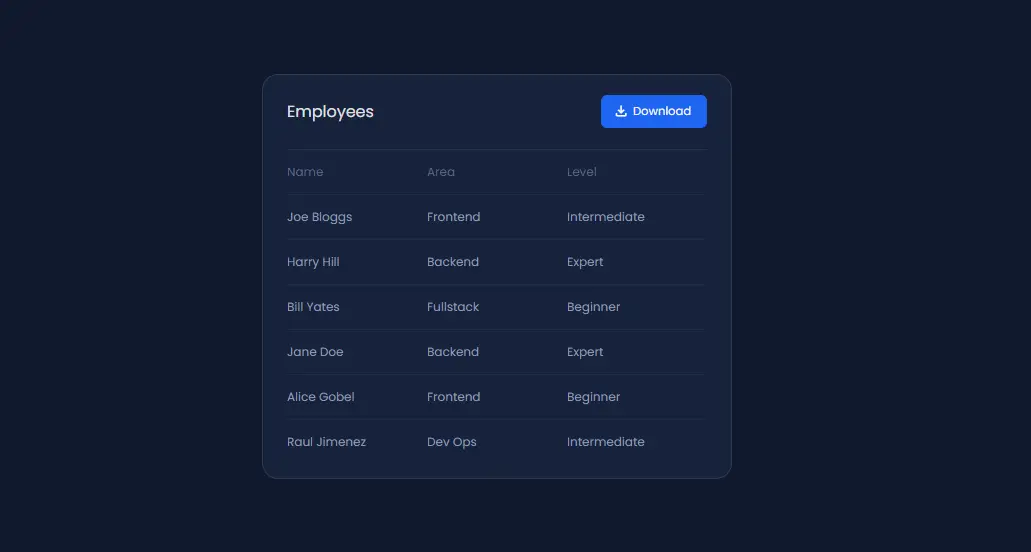
A stylish dark-themed employee table featuring draggable column headers for easy reordering. Users can drag and drop the table headers to rearrange the data dynamically, while the sticky header ensures visibility during scrolling. The card layout, subtle borders, and download button create a professional, user-friendly interface perfect for admin dashboards or team management panels.

Table with Resizable Columns
A modern, scrollable table displaying student information with a sticky header and interactive column resizing. Each column can be adjusted by dragging, allowing for a flexible view of data, while the card-style container and subtle shadows give the table a clean, professional look. A download button is also included for easy data export, making it perfect for dashboards or admin panels.
Dynamic HTML Table
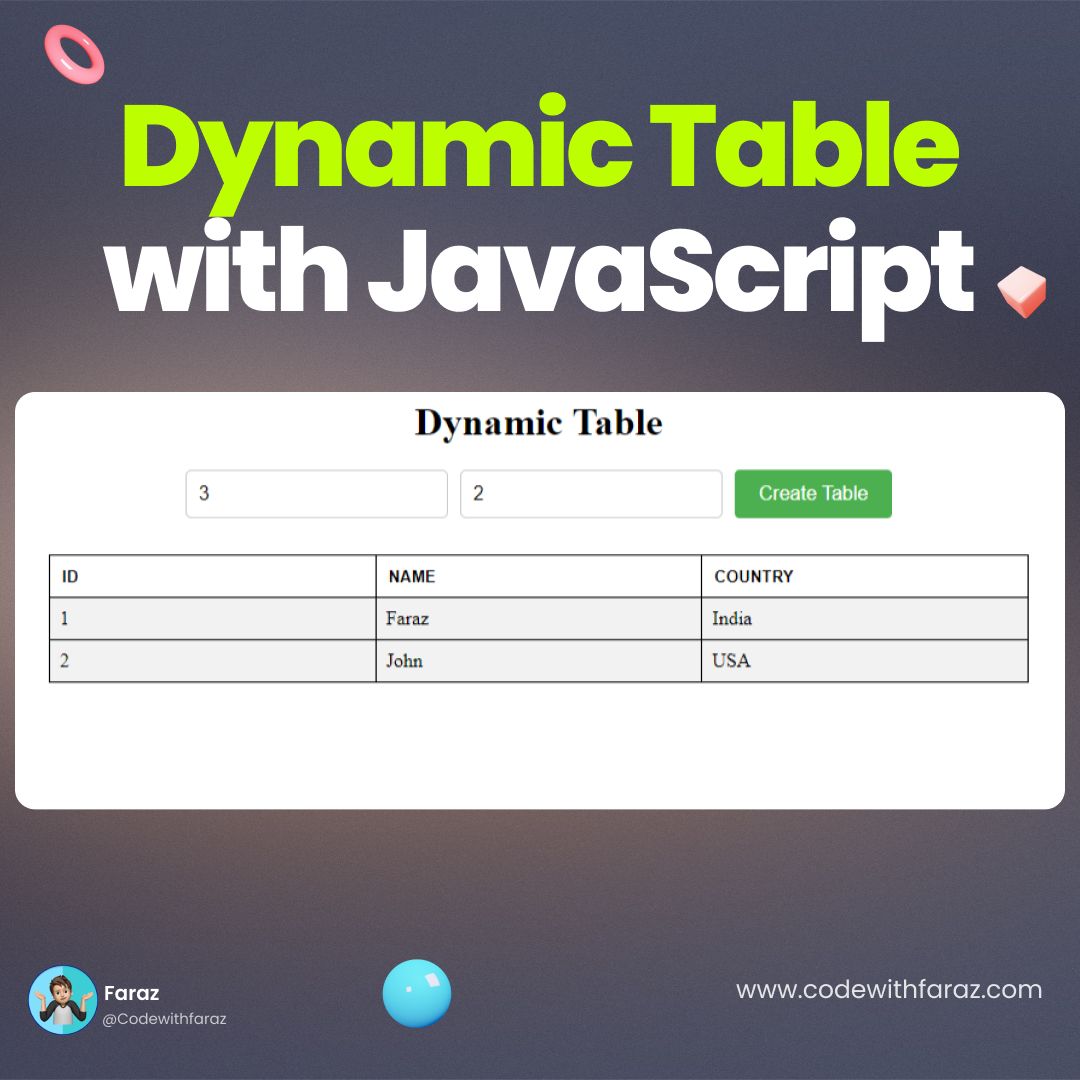
A Dynamic HTML Table is a web component that displays data in a structured and organized manner. Built with HTML, CSS, and JavaScript, its purpose is to create a dynamic and interactive way to display and manage data. The table’s core functionality involves manipulating the Document Object Model (DOM) to add, remove, or update rows and columns, making it a great tool for dashboards, data reports, and other web applications that require dynamic content.
Sort HTML Table by Header Click
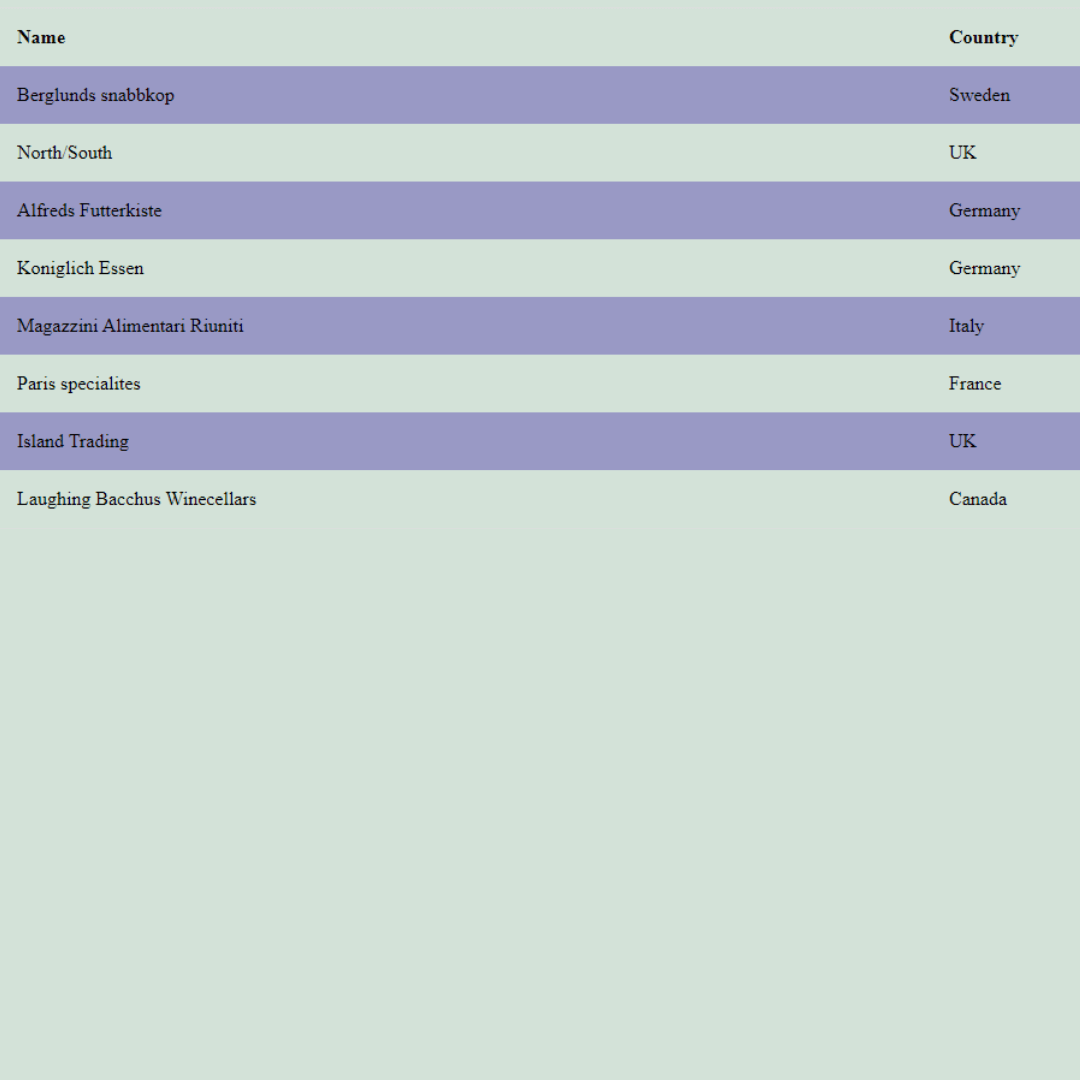
A Sortable HTML Table is a web component that allows users to sort data in a table by clicking on the column headers. Built with JavaScript, its purpose is to create an interactive and user-friendly way to organize and analyze tabular data.