4 JavaScript Modals
A modal is a dialog box or popup window that appears on top of the main page content to grab the user's focus. While CSS handles the styling, **JavaScript is essential for the functionality**, controlling the modal's visibility, handling user interactions, and managing accessibility. JavaScript is used to trigger the modal's appearance, typically on a button click. It also handles the logic for closing the modal—whether by clicking a close button, the background overlay, or pressing the **Escape key**. A key part of a well-built modal is trapping keyboard focus within it, which is a crucial accessibility feature managed by JavaScript. This collection showcases a variety of modal components built with vanilla JavaScript. You'll find examples of simple confirmation dialogs, modals containing forms, and image lightboxes, all focusing on the logic for creating a robust and accessible user experience. Explore these projects to learn how to build this fundamental UI component from scratch.

Cyber-Style Upgrade Modal
A futuristic “Upgrade” button with glitch and cyberpunk-inspired animations that triggers a modal for Pro feature upgrades. The button uses layered HTML elements including <kbd> for key hints, a glitch overlay for animated text effects, and backdrop corners for a techy aesthetic. Clicking the button opens a modal containing version info, upgrade details, and confirmation actions, with a mirrored glitch effect inside the modal for a cohesive cyberpunk style. Includes “Cancel” and “Proceed” buttons with visual feedback and accessibility attributes for a polished, interactive UI experience.

Modals Collection
A versatile collection of CSS modal designs showcasing seven unique animation styles, including unfolding, revealing, sketch, side-slide, speedy, and Bond-inspired effects, built with HTML, CSS, and minimal JavaScript to create smooth, interactive popups for web projects, enhancing user experience with visually appealing transitions and responsive modal interactions.

Animated Modal Window
A sleek modal popup with smooth scale and fade-in animations. Perfect for displaying alerts, confirmations, or critical information in modern web apps, with easy toggle functionality and a dark, stylish design.
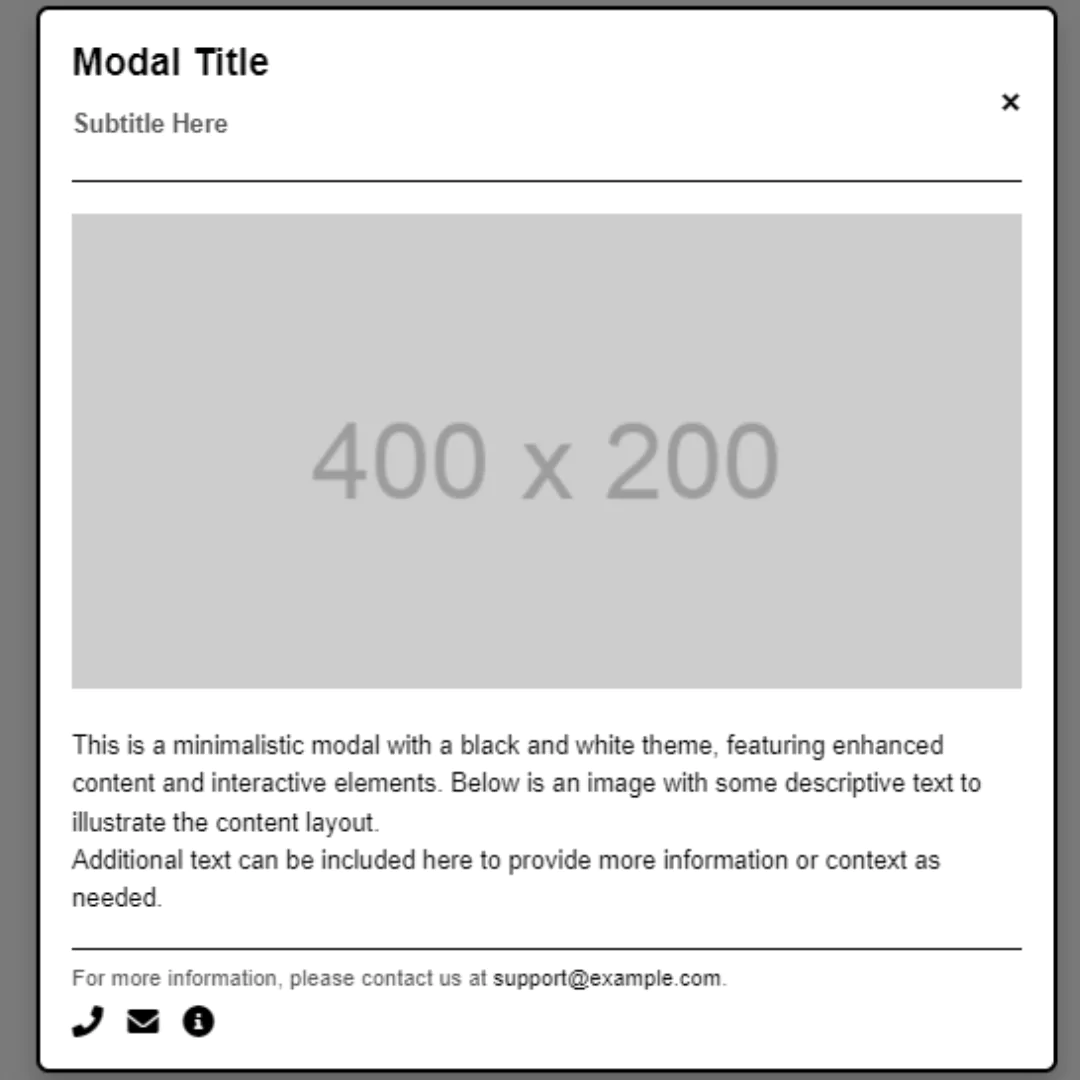
Draggable Modal
A Draggable Modal is a web design component that displays a dialog box or pop-up window that can be moved around the screen by a user. Built with HTML, CSS, and JavaScript, its purpose is to create a flexible and user-friendly interface. This component is perfect for applications that require a non-intrusive way to display information, as it allows users to reposition the modal to view the content behind it without closing it.