5 JavaScript Inputs
JavaScript can be used to greatly enhance standard HTML input fields, creating a better user experience. This includes implementing input masks for formatting phone numbers or dates, creating 'tags' inputs where users can add and remove items, or providing autocomplete and suggestion features by fetching data from an API as the user types. These enhancements make data entry easier and less error-prone. This collection features a variety of enhanced input fields built with JavaScript. Discover examples of masked inputs, tag inputs, and autocompletes to improve your web forms.

Animated Password Reveal Input
A sleek password input field with an interactive “reveal password” button. The button features an animated eye icon built with SVG, where the upper and lower eyelids move to open and close, revealing or hiding the password. Accessible design includes aria-pressed for screen readers and a visually hidden label for clarity.

Shimmering Gradient Input Field
A visually dynamic text input with animated gradient “shimmer” effects for placeholders, debug labels, and input overlays. This component simulates multiple gradient styles like classic, flame, aurora, and dynamic hue-changing variants. The input field’s placeholder appears as a moving gradient, while the debugger layer and optional borders provide live visual feedback for debugging or styling experimentation.
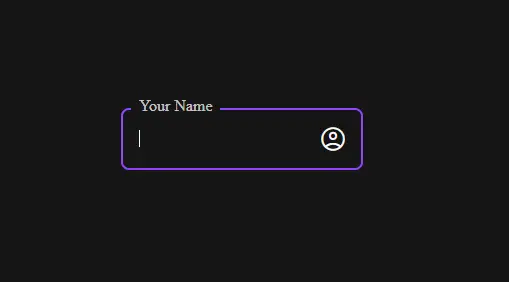
Floating Label Textbox with Icon
A modern floating label textbox design built using HTML, CSS, and JavaScript, featuring a smooth label transition and integrated Material Symbol icon. When the user focuses on the input or enters text, the label elegantly moves above the field, creating a clean and interactive form experience.

Email Input with Floating Label
A clean and modern email input field design created using HTML, CSS, and JavaScript. This form features an interactive floating label animation, a subtle underline effect, and an email validation mechanism that enables the “Continue” button only when a valid email is entered. The use of Material Symbols icons adds a polished touch to the input field, while smooth transitions and scaling effects enhance user experience.
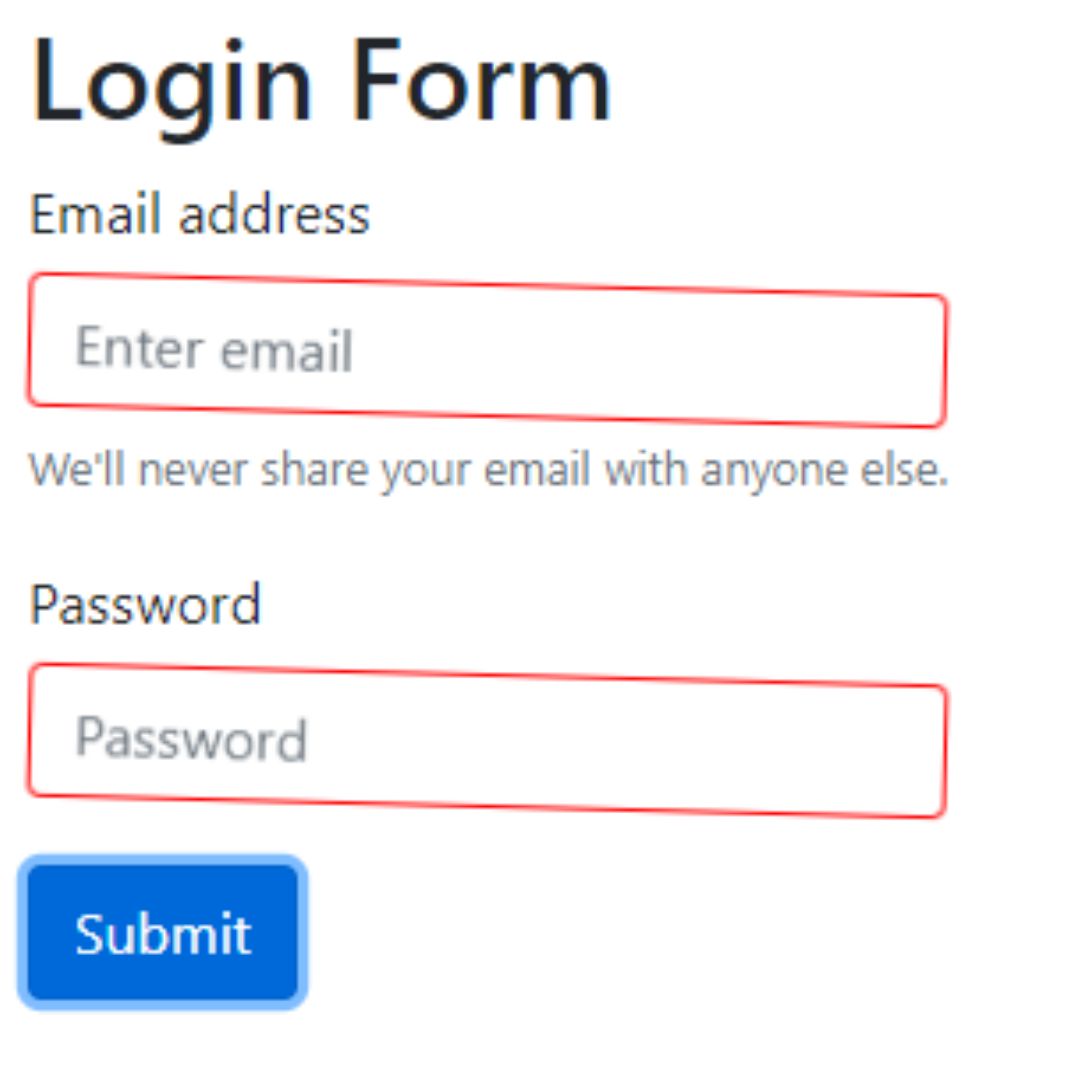
Shake Input Effect
A Shake Input Effect is a visual web design technique that adds a subtle shake animation to an input field when a user submits invalid or incomplete data. Built with HTML, CSS, and JavaScript, its purpose is to provide immediate and clear feedback to the user without being intrusive.