6 JavaScript Hover Effects
While many hover effects can be achieved with pure CSS, JavaScript allows for more complex and interactive effects that are based on cursor position or other dynamic states. For example, JavaScript can be used to create a magnetic effect where an element is attracted to the cursor, or a tilt effect on a card that responds to the cursor's position within it. These advanced effects can create a highly engaging and immersive user experience. This collection showcases a variety of unique hover effects that are only possible with JavaScript. Explore examples of interactive effects that respond dynamically to user interaction.

Distortion Hover Effect
A visually striking distortion hover effect using Three.js and WebGL shaders that dynamically morphs images on mouse hover or touch. By blending two images with a displacement map, the effect creates a fluid, warped transition between images with customizable intensity, speed, and easing.
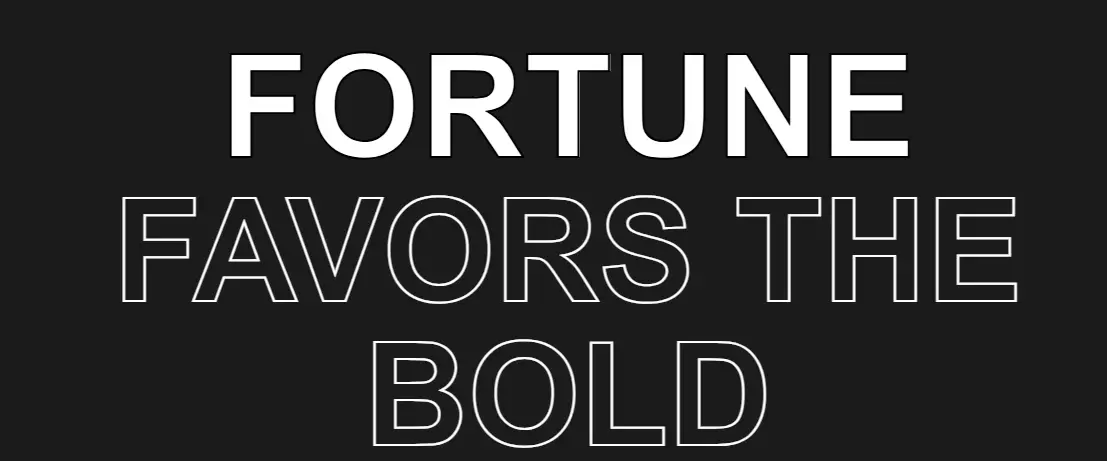
Text Stroke Hover
A visually striking hero section featuring large, outlined text with interactive hover effects. Each word of the headline responds to hover, changing stroke and color for a dynamic effect.
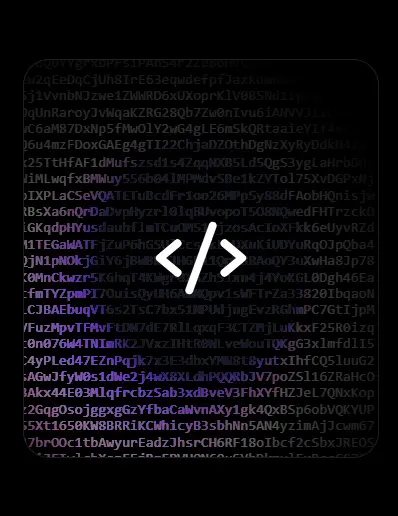
Interactive Code Hover Cards
A modern and interactive card layout that responds dynamically to mouse movement. Each card displays an image overlay, gradient effects, and a background filled with animated characters. Using JavaScript and jQuery, random alphanumeric strings appear and follow the cursor, creating a futuristic “code rain” effect reminiscent of digital or hacker-style aesthetics.
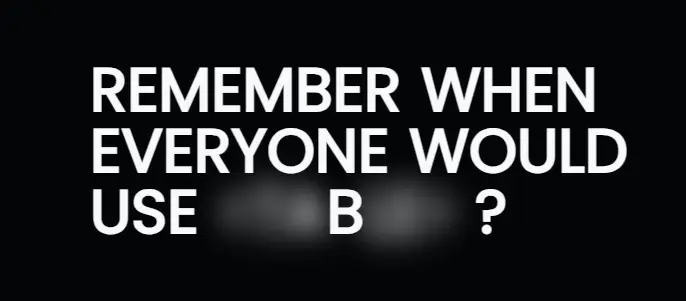
Hover-to-Reveal Text Effect
An interactive typographic effect where hidden or blurred text is revealed when hovered over. The design uses CSS variables, filter: blur(), and smooth transitions to create a “fading in” effect for each character. The effect is enhanced with the Splitting.js library to animate text on a per-character basis.
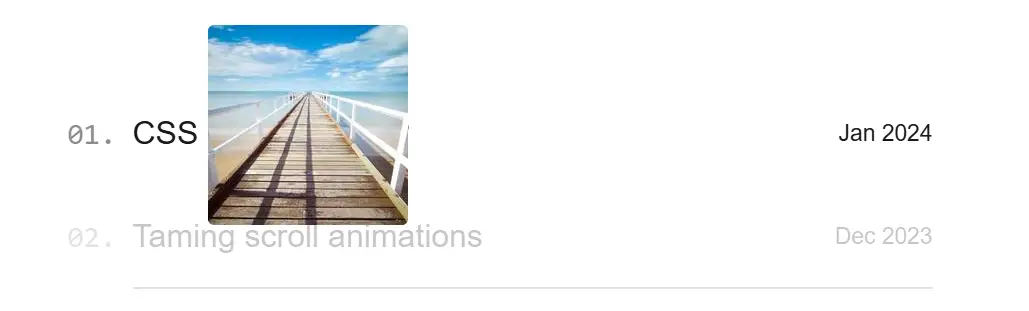
Blog Post List with Hover Preview
A modern, interactive blog post list that highlights individual posts with a dynamic hover effect. When a user hovers over a post, the corresponding image appears near the cursor, creating a floating preview effect. Other posts fade to draw attention to the active item.

Flashlight Hover Effect
A Flashlight Hover Effect is an interactive web design technique that creates a spotlight-like effect on a webpage as the user moves their cursor. Built with HTML, CSS, and JavaScript, its purpose is to create a dynamic and engaging user experience. The effect illuminates the content directly under the cursor, with the surrounding area remaining dark or blurred.