11 JavaScript Forms
JavaScript enhances HTML forms by adding client-side validation, interactivity, and dynamic behaviors. It can provide real-time feedback to users as they type, validate input before submission to the server, and create complex, multi-step forms (wizards) that show or hide sections based on user selections. This improves the user experience and data quality. Handling form submission with JavaScript (using AJAX/Fetch) allows for a smoother experience without full page reloads. This collection showcases forms with advanced JavaScript functionality, including real-time validation, multi-step processes, and dynamic field interactions.

Bank Account Opening Form
A Bank Account Opening Form is a practical web application that automates the process of creating a new bank account. Built with HTML, CSS, and JavaScript, its purpose is to streamline a time-consuming administrative task, making the process quicker and more accurate. The form features a user-friendly interface for entering personal and financial information, performs validation on the input, and then dynamically processes the data, making it an essential tool for banks and financial institutions to enhance the customer onboarding experience.

Multi Step Email Subscription Form
A Multi-Step Email Subscription Form is a modern web design component that breaks down the email sign-up process into several smaller steps. Built with HTML, CSS, and JavaScript, its purpose is to create a less intimidating and more user-friendly way to collect information. This form is perfect for businesses looking to boost subscription rates by making the sign-up process feel less overwhelming and more interactive. It is a key marketing tool for building an audience and customer relationships.
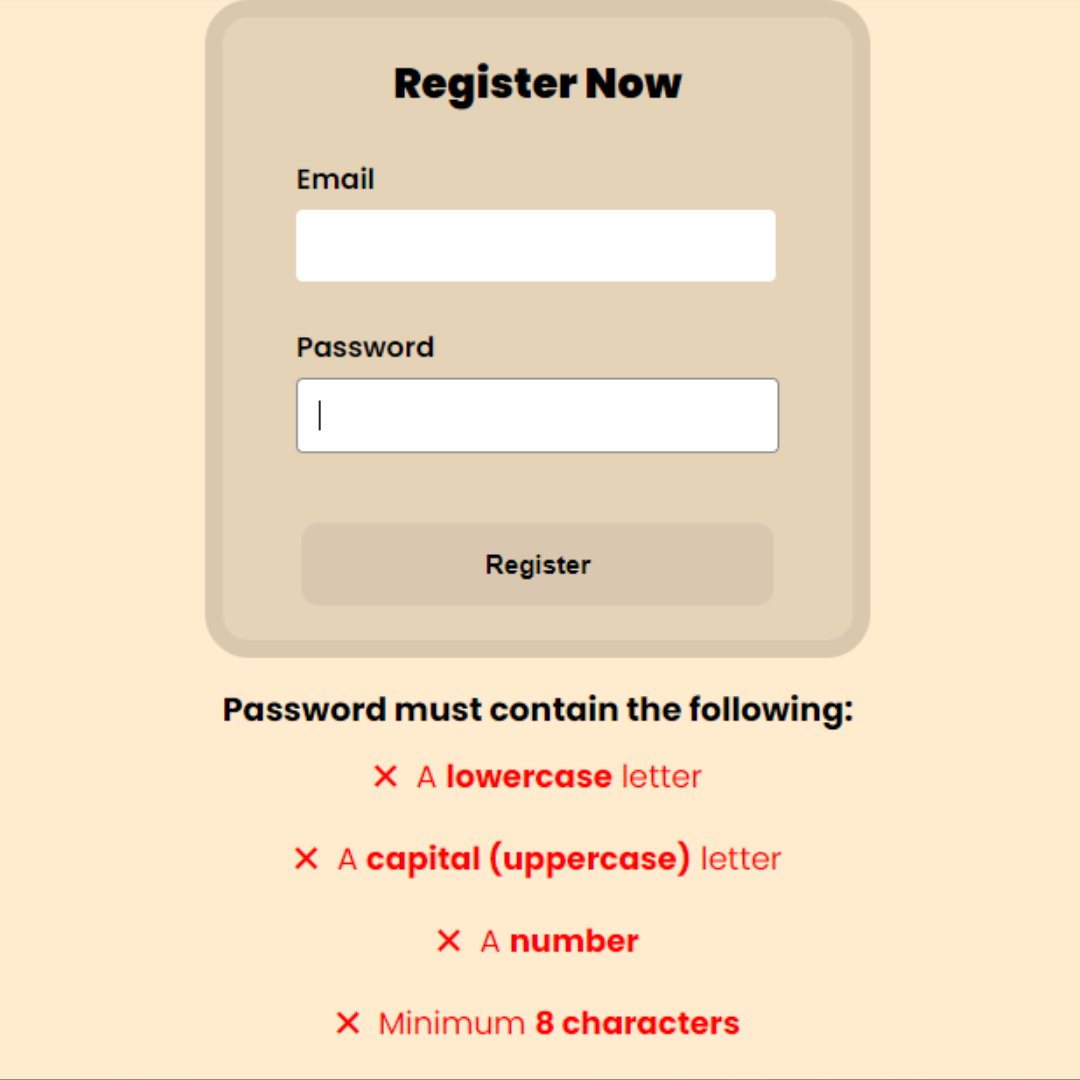
Password Validation Form
A Password Validation Form is a crucial web development component that provides real-time feedback to a user as they create a new password. Built with HTML, CSS, and JavaScript, its purpose is to guide the user in creating a secure password by checking against a set of rules, such as a minimum length, the inclusion of special characters, or a mix of uppercase and lowercase letters.

Interactive Feedback Form UI
A Interactive Feedback Form UI is a dynamic web design component that provides a user-friendly and engaging way to collect feedback. Built with HTML, CSS, and JavaScript, its purpose is to create a seamless experience for users to express their opinions. The form is designed with clear visual cues and dynamic updates, such as showing a thank-you message or an animation upon submission, which makes the process of giving feedback feel more rewarding and interactive.

Form Validation
A Form Validation is a crucial web development process that checks user-submitted data to ensure it is accurate and complete before being sent to a server. Built with HTML, CSS, and JavaScript, its purpose is to prevent invalid data from being processed, which enhances user experience and improves website security.
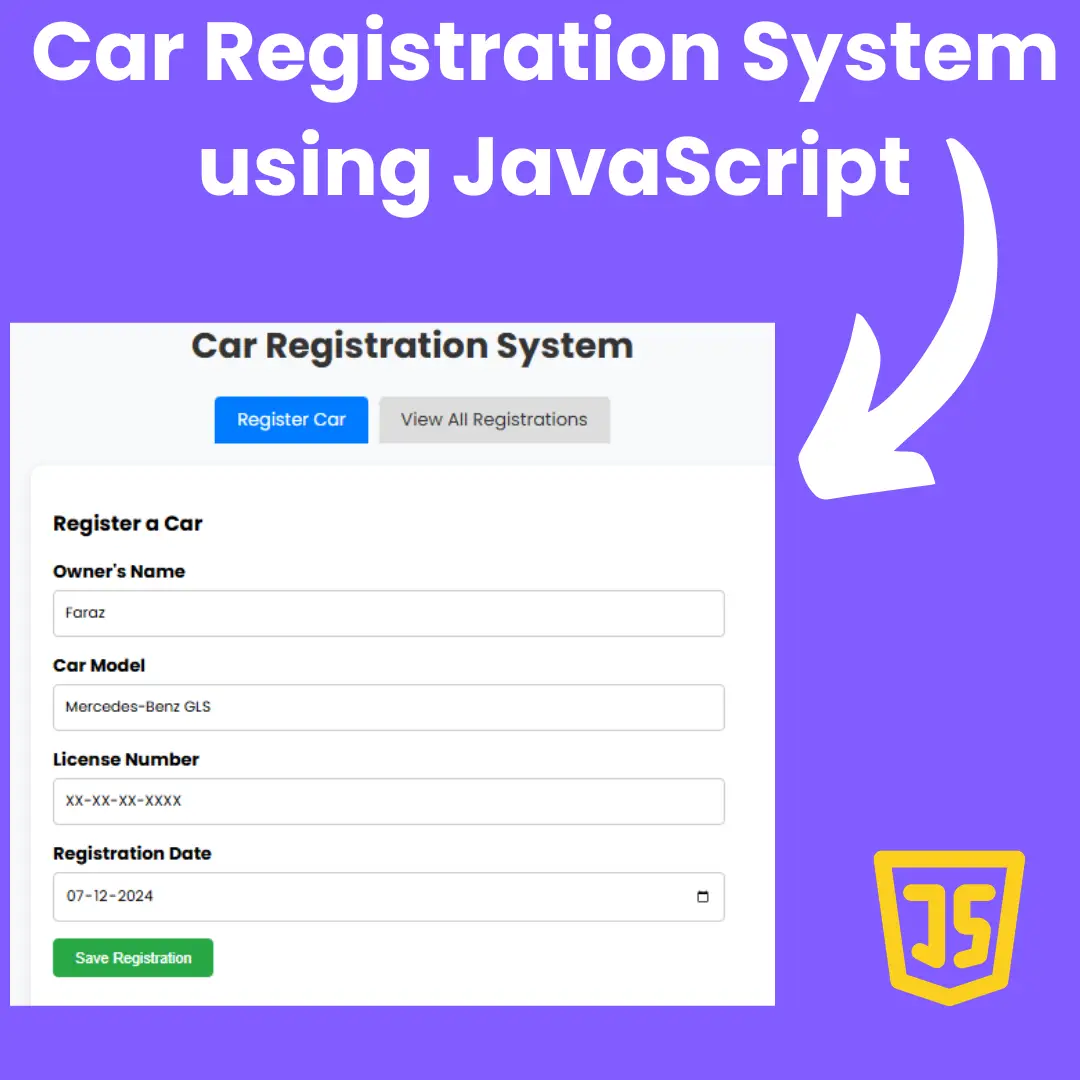
Car Registration System
A Car Registration System is a practical web application that automates the process of registering a vehicle. Built with HTML, CSS, and JavaScript, its purpose is to streamline a time-consuming administrative task, making the process quicker and more accurate. The system features a form for entering vehicle details and owner information, performs validation on the input, and then dynamically generates a clean, organized, and printable registration document.
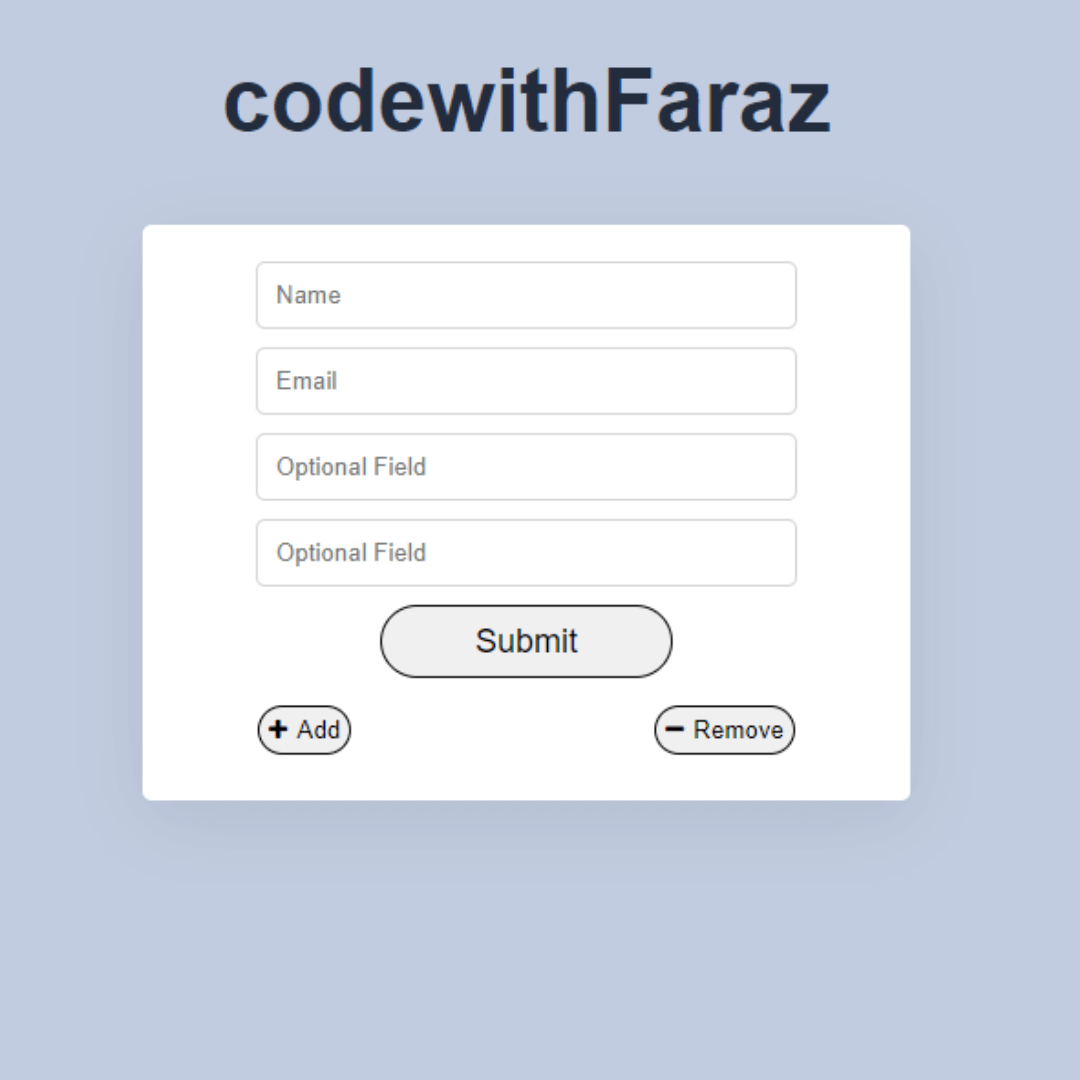
Form Fields Dynamically
A Dynamic Form Field Creator is a web development technique that allows users to add or remove form fields on a webpage in real time. Built with JavaScript, its purpose is to create a flexible and user-friendly interface for forms where the number of required fields is not fixed. This feature is perfect for applications that require users to input a variable amount of data, such as adding multiple items to a list or a variable number of team members to a project.

Popup Contact Form
A Popup Contact Form is a web component that appears as a modal window, allowing visitors to get in touch with the site owner without navigating to a new page. Built with HTML, CSS, and JavaScript, its purpose is to create a seamless and professional way to collect inquiries, feedback, and business opportunities.

Contact Form
A Responsive Contact Form is a fundamental web component that provides a channel for website visitors to communicate with the site owner. Built with HTML, CSS, and JavaScript, its purpose is to create a seamless and professional way to collect inquiries, feedback, and business opportunities.

Form Fill Data into Interactive Badge
A Form Fill Data to Interactive Badge component is a unique web feature that transforms user-submitted form data into a dynamic and visually appealing badge. This interactive tool, built with HTML, CSS, and JavaScript, enhances user engagement by providing a personalized "virtual badge of honor" instead of a generic confirmation message.

Dual Login/Signup Form
Dual Login/Signup Form is a visually appealing login and signup form created using HTML, CSS, and JavaScript, featuring a smooth sliding animation that transitions between the login and signup sections. It enhances user experience by providing an intuitive and interactive interface, making the authentication process more engaging and user-friendly.