11 JavaScript Dropdown Menus
A JavaScript dropdown menu is an interactive UI component that reveals a list of options when a user interacts with a trigger element. The core functionality is handled by a JavaScript event listener, typically for a click, which toggles a CSS class to control the menu's visibility. Good implementations also handle closing the menu when the user clicks elsewhere. While simple versions can be made with CSS, JavaScript is crucial for creating a fully accessible and robust component as it allows for the management of ARIA attributes, control over keyboard navigation, and reliable state management on touch devices. This collection showcases a variety of dropdown menus built with vanilla JavaScript, including simple, nested, and accessible examples, providing best practices for building functional and user-friendly navigation.

Custom Share Menu UI with Animated Dropdown
Interactive and responsive custom share menu with a dropdown interface, smooth animations, and full accessibility. Designed to replace standard select menus, it enhances user experience while keeping integration simple and clean for modern web projects.

Searchable Dropdown
A sleek, dark-themed dropdown menu that allows users to quickly search and select characters from a list, featuring real-time filtering, keyboard navigation, hover highlights, and accessible ARIA roles for a smooth and intuitive user experience.

Hover-Activated Vertical Tab Dropdown with Swiper.js
This dropdown menu features a hover-activated design combined with vertical tab navigation and smooth sliding content using Swiper.js. When users hover over the Skills menu, it reveals categories like Coding, Design, and Dev Ops, each with multiple items displayed in a clean, organized grid. Users can switch between categories either by clicking the tab buttons or by swiping vertically, offering an interactive and modern navigation experience.

Hover-Activated Multi-Tab Skills Dropdown Menu
This is a hover-activated multi-tab dropdown menu designed for portfolios, dashboards, and personal websites. When you hover over the Skills tab, the menu smoothly appears, showing multiple categories like Coding, Design, and Dev Ops. Each category displays its content in a tabbed layout, allowing users to switch between different skill sets without leaving the menu.

Split Button Dropdown Menu
This is a split button dropdown menu design where the main button and a chevron button are separate but visually connected. Clicking the main button triggers a primary action (like navigating to a dashboard), while the chevron button toggles a dropdown menu with additional options. The dropdown uses a smooth slide-in animation, and each menu item has Material Symbols icons for clear identification.

Scale Animation Dropdown Menu
A sleek scale animation dropdown menu that expands smoothly when clicked. The menu uses a scaling effect from the top-right corner, creating a fluid and modern interaction. Each option comes with Material Symbols icons for clear visual guidance, and the chevron rotates to indicate open/close states.

3D Flip Multi-Level Dropdown Menu
A 3D flip style multi-level dropdown menu perfect for modern web apps and dashboards. The main menu reveals sub-menus with a smooth 3D rotation effect, giving a dynamic and interactive feel. Users can navigate between sections like Tools and Settings, with each sub-menu expanding seamlessly while adjusting the menu height dynamically.

Multi-Level Dropdown Menu #2
A modern multi-level dropdown menu designed for complex navigation in web apps and dashboards. The main menu displays primary actions like My Tools, Settings, and Logout, while sub-menus slide in for additional options. Each menu item uses Material Symbols icons for clear visual cues. Smooth slide transitions and hover effects enhance usability, allowing users to navigate nested menus seamlessly.

Animated Dropdown Menu
An interactive dropdown menu with smooth animation and a modern, dark-themed design. The menu expands when the button is clicked and collapses when clicking outside or toggling the icon. Each menu item is clearly labeled with Material Symbols icons, providing intuitive visual cues for actions like Build Tools, File Manager, and Logout. Hover effects and subtle transitions enhance user experience, making it perfect for dashboards, web apps, or settings panels where clean and responsive dropdowns are needed.

Multi-level Dropdown Menu
A Multi-level Dropdown Menu is an advanced web design component that displays a hierarchical list of options when a user interacts with a button or link. Built with HTML, CSS, and JavaScript, its purpose is to organize a website's content in a compact and intuitive way.
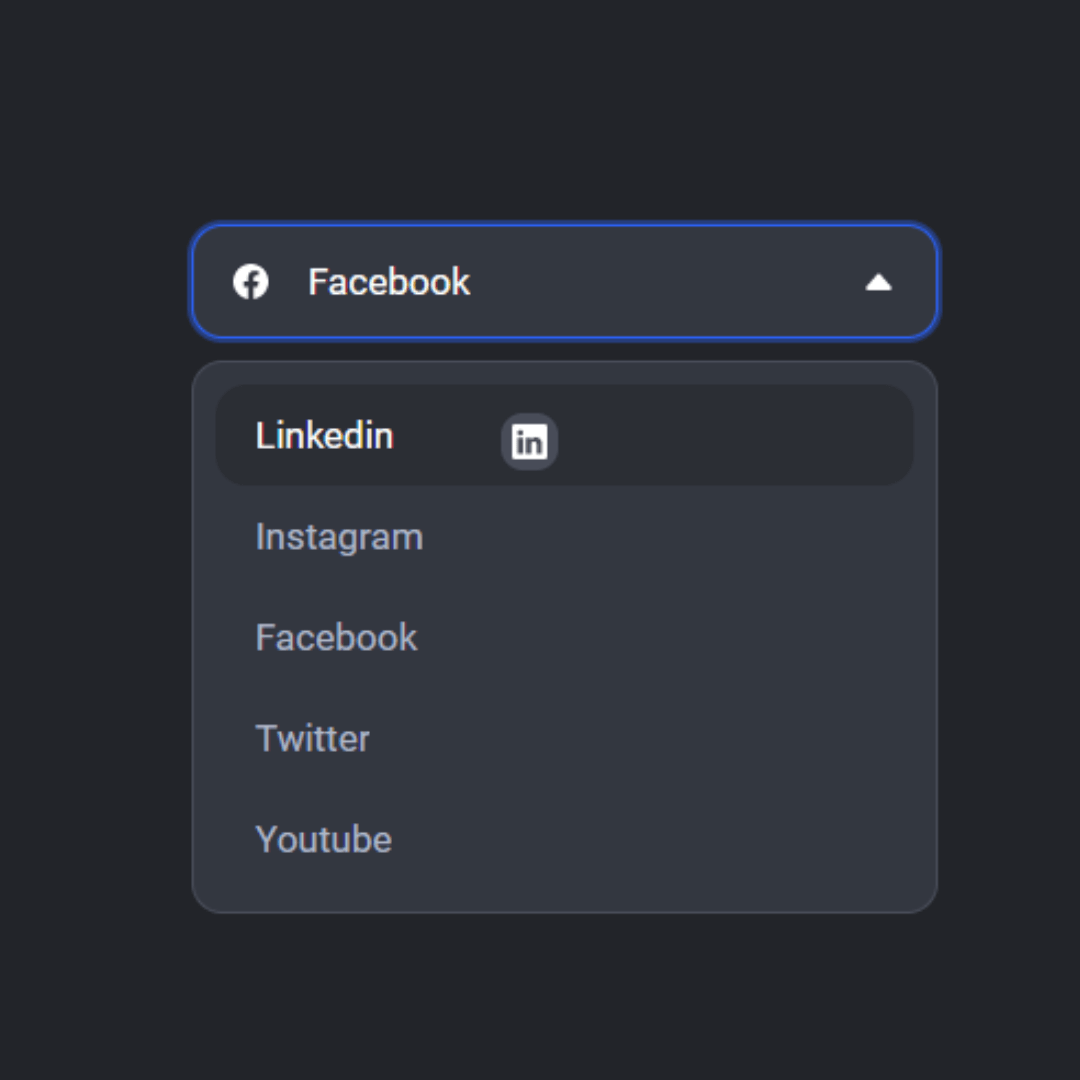
Dropdown Menu
A Dropdown Menu is a fundamental web design component that displays a list of options when a user interacts with a button or link. Built with HTML, CSS, and JavaScript, its purpose is to organize content in a compact way and improve user experience by making selections from a list easy and efficient.