3 JavaScript Drag And Drop
JavaScript is the core technology that powers drag and drop functionality on the web. Using the native HTML5 Drag and Drop API, developers can make almost any element draggable and define drop zones that can accept those elements. This allows for the creation of intuitive interfaces for reordering lists, uploading files, and building interactive boards. Implementing this feature involves handling a series of events like `dragstart`, `dragover`, and `drop` to manage the state and logic of the interaction. This collection features functional examples of drag and drop interfaces, including sortable lists and Kanban boards, built with vanilla JavaScript.

Drag and Drop File Upload
A Drag and Drop File Upload component is an interactive web component that allows users to upload files by dragging and dropping them onto a designated area. Built with HTML, CSS, and jQuery, its purpose is to create a seamless and user-friendly experience for file submissions.
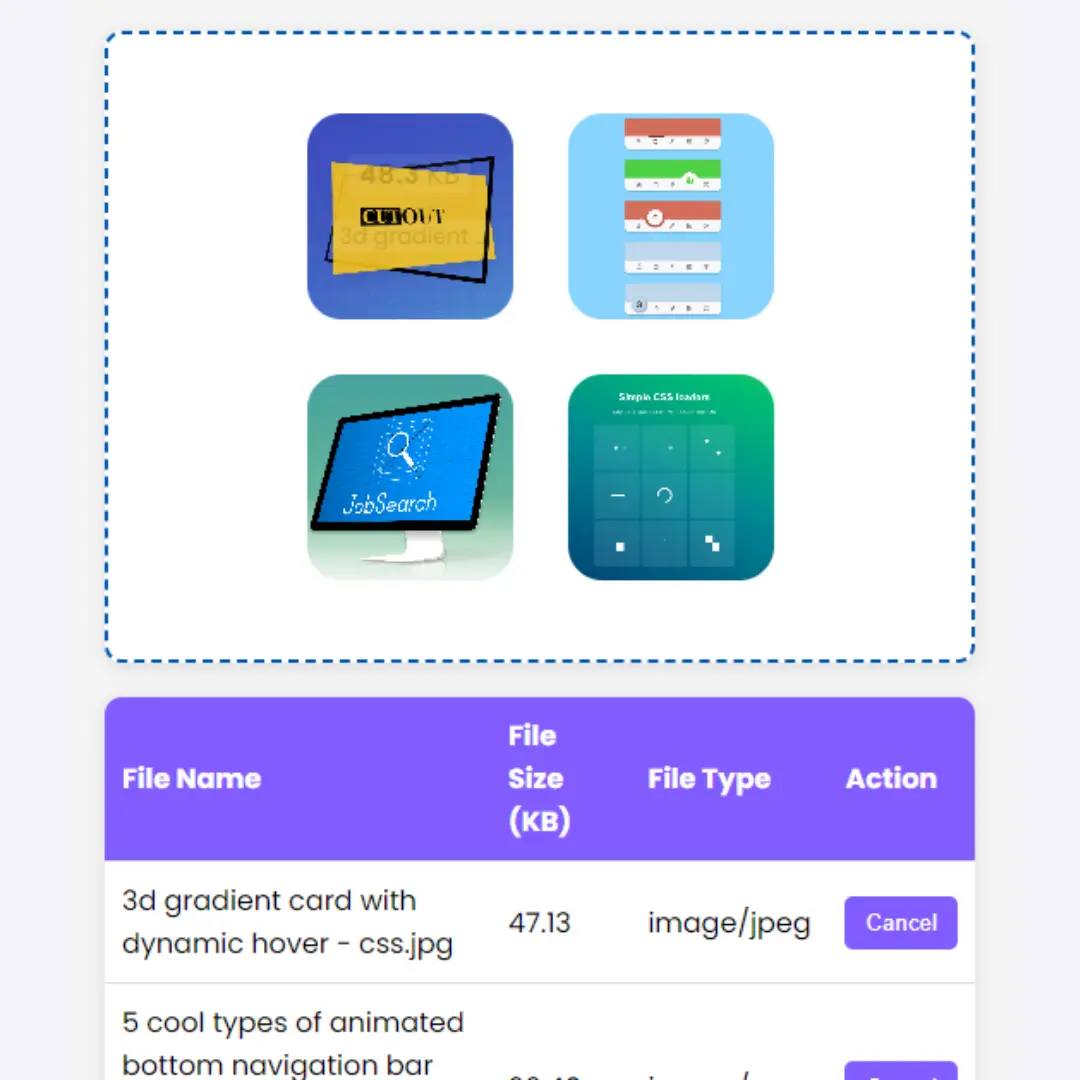
Drag and Drop File Uploader
A Drag and Drop File Uploader is an interactive web component that allows users to upload files by dragging and dropping them directly onto a designated area. Built with HTML, CSS, and often a library like Dropzone.js, its purpose is to create a seamless and user-friendly experience for file submissions.

Draggable HTML Element
Draggable HTML Element is an interactive feature created using HTML, CSS, and JavaScript, allowing users to click and drag an element across the screen. It enhances user experience by providing a dynamic and engaging way to interact with page elements, making your website more interactive and user-friendly.