2 JavaScript Copy To Clipboard
The 'copy to clipboard' functionality is a common UX enhancement that allows users to copy text, like a URL or a code snippet, with a single click. This is typically implemented in JavaScript using the modern, asynchronous Clipboard API (`navigator.clipboard`). It's a small but significant feature that improves usability. Implementing this feature involves adding an event listener to a button and calling the API to write text to the user's clipboard, often providing feedback to the user upon success. This collection showcases various examples of the 'copy to clipboard' feature. Learn how to implement this user-friendly functionality in your projects.
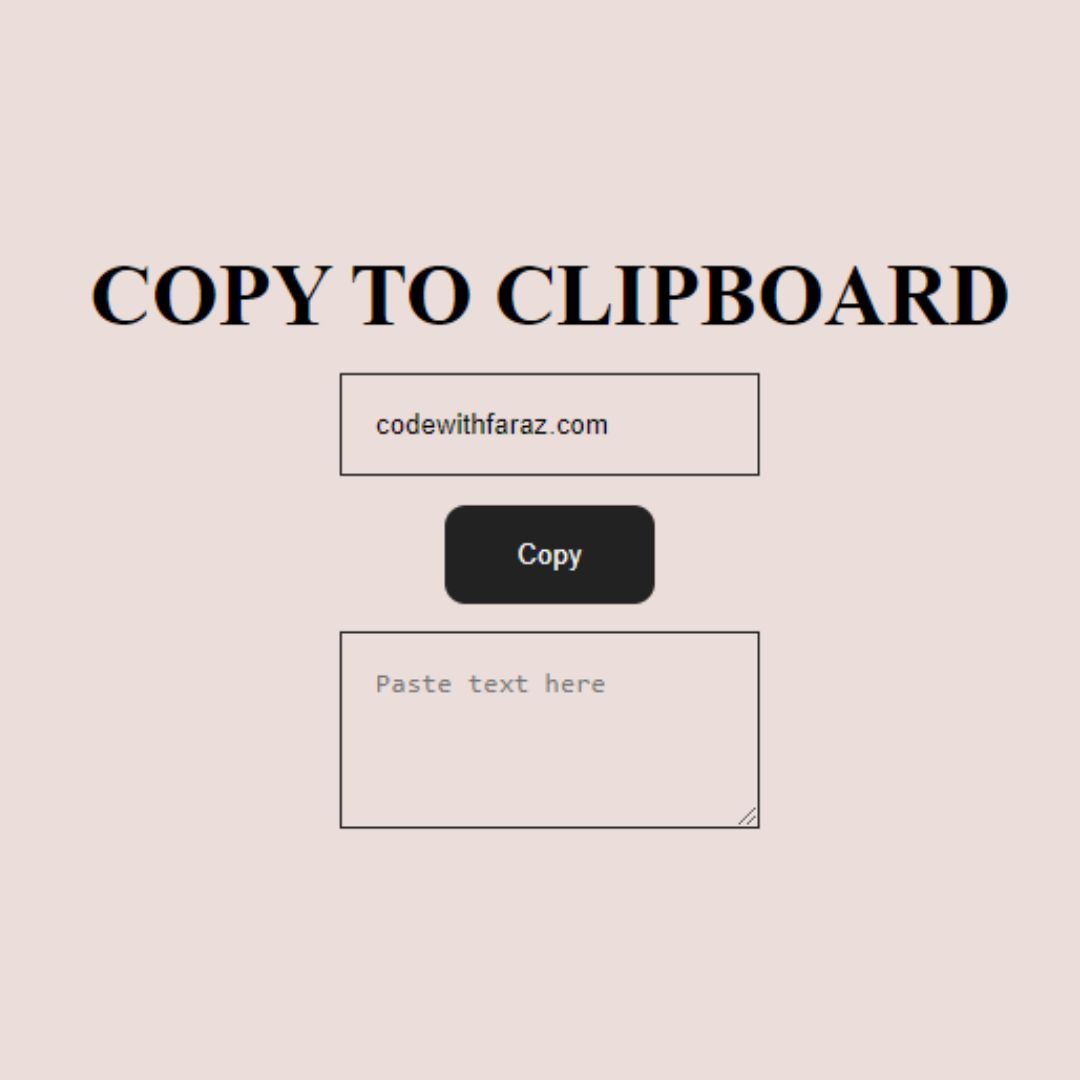
Copy Text to Clipboard
A Copy Text to Clipboard component is a practical web tool that allows a user to copy a specific block of text to their clipboard with a single click. Built with a simple line of JavaScript, its purpose is to enhance user experience and productivity by making it easy to share or use content from a website.
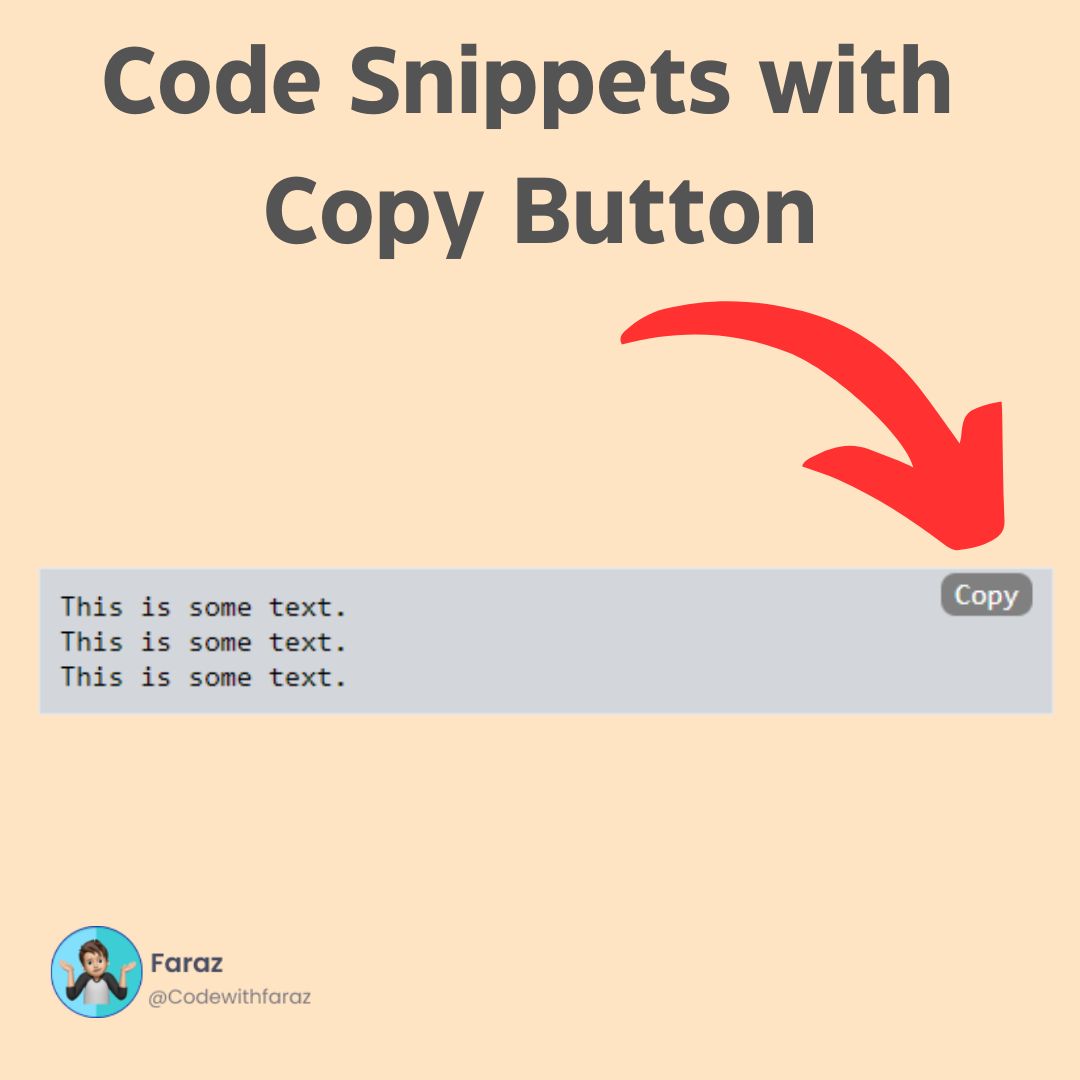
Code Snippet Box with Copy Functionality
A Code Snippet Box with Copy Functionality is a crucial element for developer blogs and technical websites. Created with HTML, CSS, and JavaScript, it presents code examples in a clean, professional format. The integrated copy button allows users to effortlessly copy the code with a single click, saving time and improving the user experience, making it a highly user-friendly and practical feature.