11 JavaScript Carousels
A JavaScript carousel, or slider, provides full control over the functionality and behavior of a content slideshow. Unlike CSS-only solutions, JavaScript allows for more advanced features like touch-swipe gestures for mobile, autoplay with pause on hover, dynamic content loading, and various transition animations. This is essential for creating robust and user-friendly carousels. Building a carousel from scratch is an excellent project for practicing DOM manipulation, event handling, and timing functions. This collection features a variety of carousels built with JavaScript, from simple image sliders to complex, multi-item carousels with advanced features.

Carousel with Active Slide Focus
A fully interactive and responsive image carousel showcasing user profiles with names and titles. The carousel supports automatic sliding every 3 seconds, keyboard navigation, and click-based selection of slides. Central slides are highlighted as active using data-active, while edge slides trigger smooth repositioning to maintain focus. Navigation is facilitated via previous/next buttons with SVG arrows, and the carousel adapts for smaller screens by limiting visible slides.

Car Showcase Carousel using Swiper.js
A stunning full-page carousel built with HTML, CSS, and Swiper.js that showcases BMW car models in a sleek, modern layout. Each slide features high-quality background images, parallax scrolling effects, and smooth transitions to create a dynamic storytelling experience. The carousel includes interactive pagination, dark overlay backgrounds, and elegant typography for a premium visual appeal.

Synchronized Gallery Carousel with Thumbnails
A modern synchronized gallery carousel that combines a main image slider with clickable thumbnail navigation using Swiper.js. The main carousel displays high-quality images with smooth fade effects, while the thumbnail slider below allows users to quickly navigate through images. Active thumbnails are highlighted and scaled, and adjacent thumbnails have subtle rotations for a dynamic 3D feel.

3D Coverflow Image Carousel
A visually engaging 3D coverflow image carousel built with Swiper.js, designed to showcase multiple images in a dynamic, interactive layout. The carousel highlights the center slide while surrounding slides are angled with a depth effect, creating a realistic 3D feel. Users can navigate smoothly with grab-and-drag gestures, while the looped structure ensures continuous scrolling.

BMW Series Coverflow Carousel
An interactive BMW-themed coverflow carousel built with Swiper.js, showcasing different BMW series in a visually striking layout. Each slide features a background image of the car series with gradient overlays, headings, and a call-to-action link to explore further. The carousel uses a coverflow effect with smooth transitions, grayscale filters for inactive slides, and dynamic pagination to enhance user engagement.

Multi-Step Form Carousel
A sleek multi-step form carousel built using Swiper.js, designed to guide users through a sequential onboarding or registration process. Each slide features engaging illustrations, headings, and interactive input fields or buttons, with smooth swipe animations and pagination indicators to show progress. Styled with modern colors, rounded input fields, and shadow effects, this carousel creates an intuitive and visually appealing experience for users while maintaining a compact and responsive layout, perfect for login, signup, or tutorial flows.

Product Showcase Carousel
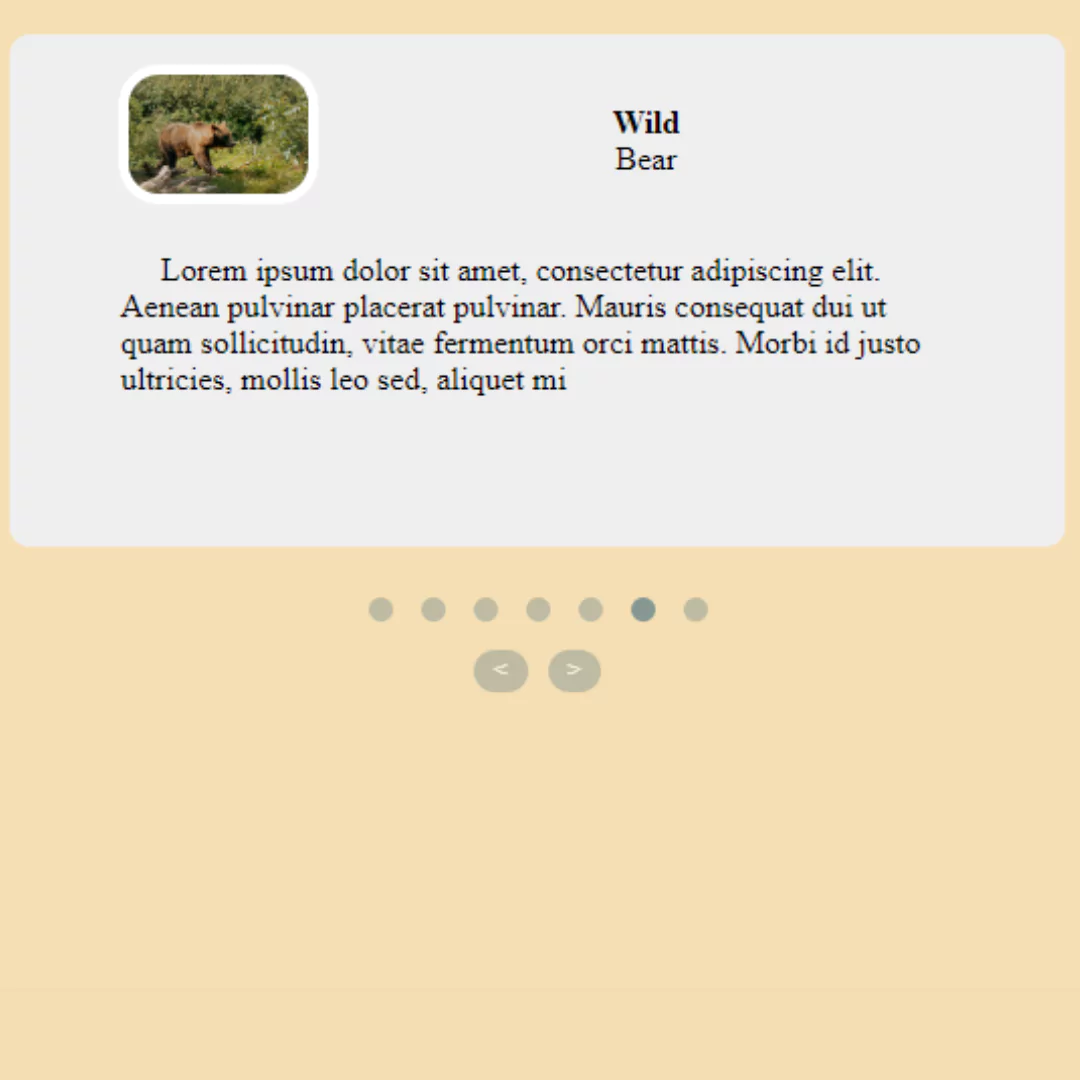
A Responsive Product Showcase Carousel is a dynamic web design component that displays a series of product images in an interactive slideshow. Built with HTML and CSS, its purpose is to create a visually engaging and mobile-friendly browsing experience for online shoppers. The carousel's design automatically adjusts to different screen sizes, making it an essential feature for e-commerce sites and product landing pages to effectively highlight key items and drive sales.
Owl Carousel
A Responsive Carousel with Owl Carousel is a dynamic web component that displays a series of images or content in an interactive and mobile-friendly slideshow. Built with HTML, CSS, and JavaScript, its purpose is to create an engaging visual experience for users. The core functionality is powered by the Owl Carousel library, which simplifies the process of creating a fluid and responsive carousel that automatically adjusts to different screen sizes.

GSAP Carousel Slider
A GSAP Carousel Slider is a dynamic and interactive web component that automatically cycles through a series of images or content with smooth, eye-catching animations. Built with HTML, CSS, and JavaScript, its purpose is to create a visually stunning slideshow for a website. Its core functionality is powered by the GSAP (GreenSock Animation Platform) library, which allows for advanced animations and timeline control, making the carousel a professional and engaging way to showcase featured content.

Autoplay Carousel
A Autoplay Carousel is a dynamic web component that automatically cycles through a series of images or content. This feature is built with HTML for structure, CSS for styling, and JavaScript for functionality, providing a visually appealing and interactive slideshow.
Social Media Carousel
A Social Media Carousel is a dynamic web component that displays a series of images or content in a visually engaging and interactive slideshow format. Created with HTML for the structure, CSS for styling, and JavaScript for functionality, its purpose is to enhance user engagement.