3 JavaScript Calendars
Creating a calendar or date picker with JavaScript requires a deep understanding of the Date object and complex DOM manipulation. A dynamic calendar must accurately calculate the days of the month, account for leap years, and allow users to navigate between months and years. It's a challenging but rewarding project for any developer. JavaScript-powered calendars are essential for booking systems, event planners, and any application that requires date input. This collection showcases a variety of functional calendars and date pickers built with JavaScript. Explore examples to learn how to manage date logic and create interactive scheduling interfaces.
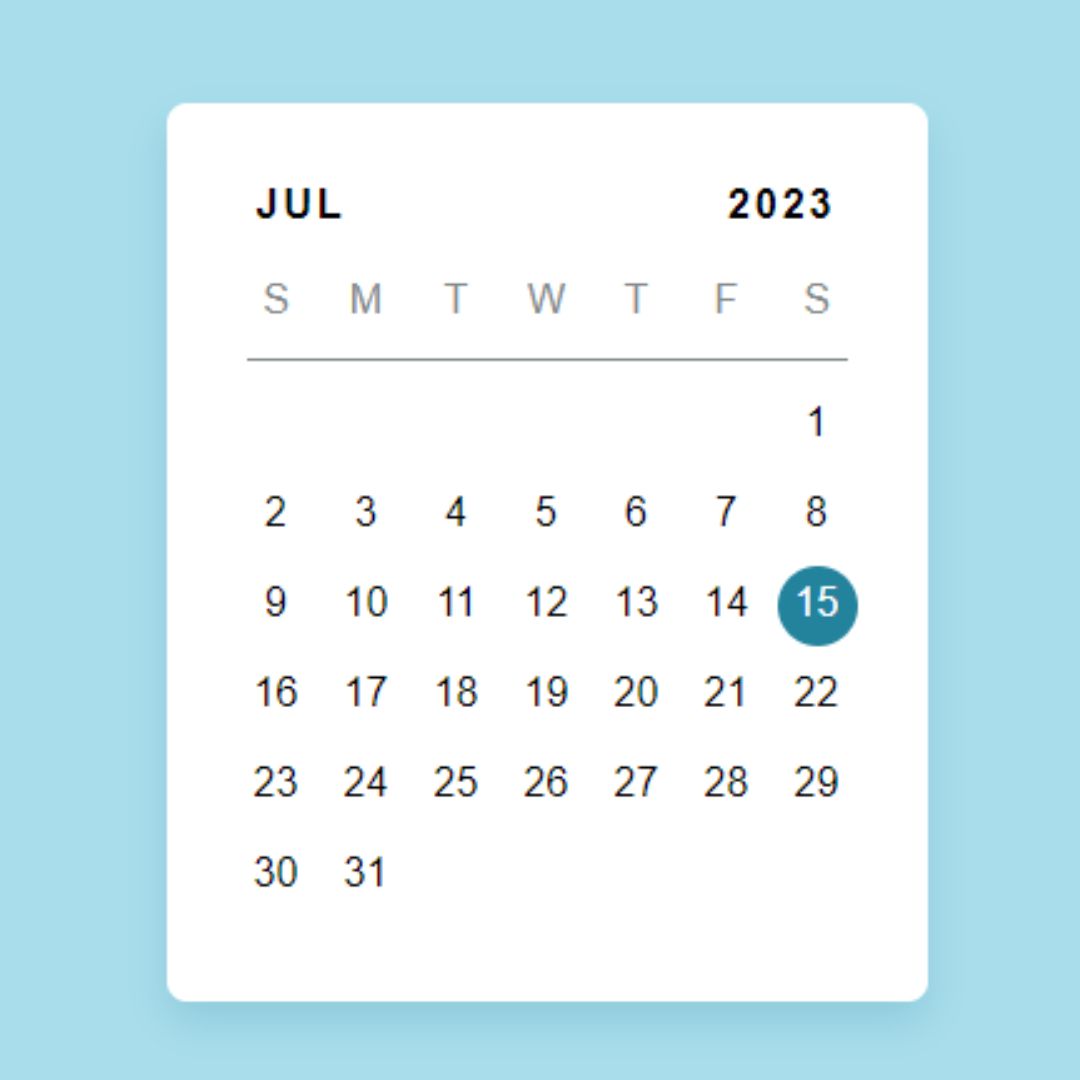
Calendar Widget
Calendar Widget is a customizable and interactive calendar created using HTML, CSS, and JavaScript, featuring a clean and modern layout with navigation controls to switch between months and years. The design is responsive, ensuring a seamless experience across devices. This component enhances user experience by providing an intuitive and efficient way to view and select dates, making your website more interactive and user-friendly.
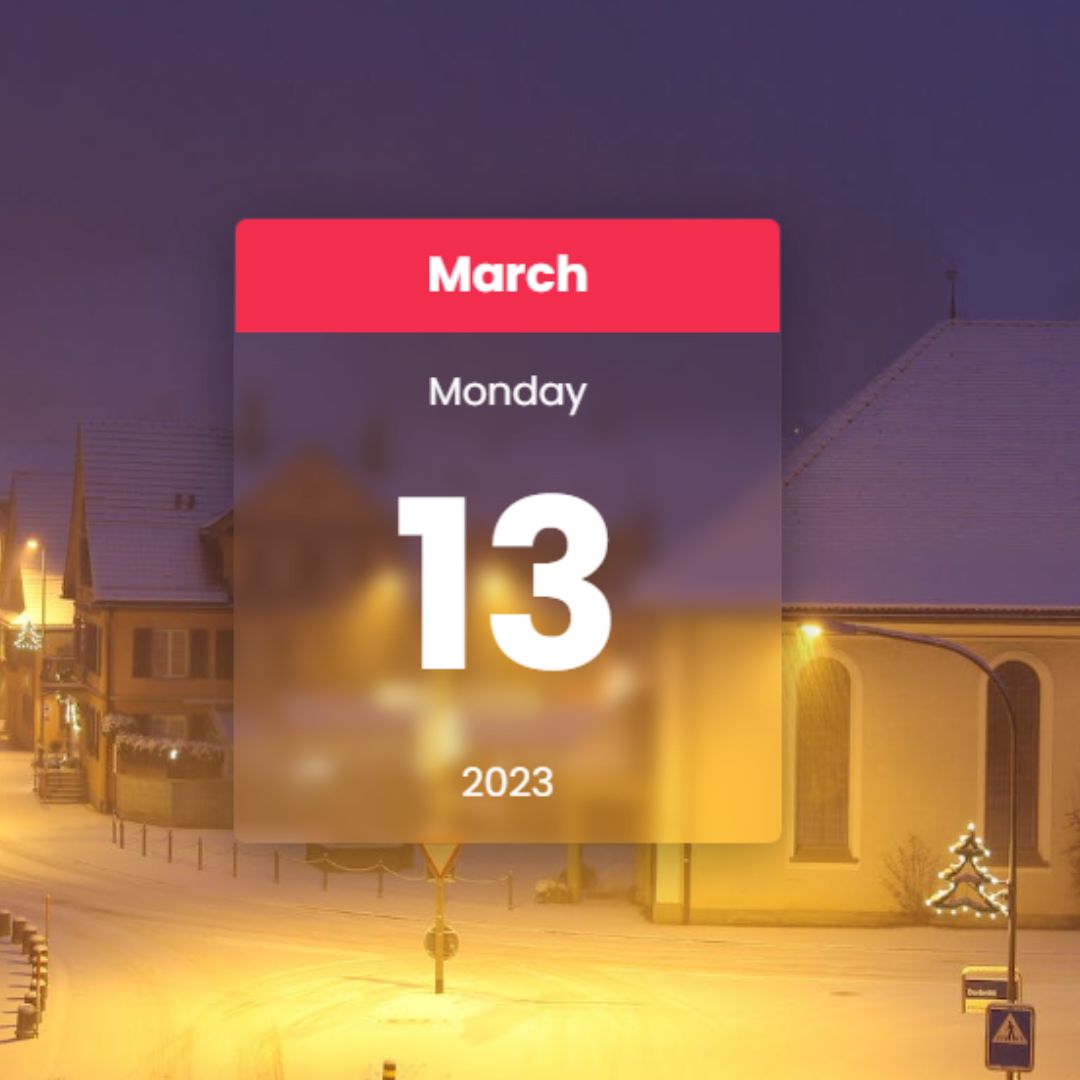
Glassmorphism Calendar
Glassmorphism Calendar is a visually appealing calendar created using HTML, CSS, and JavaScript, featuring a frosted glass effect with blurred backgrounds and subtle shadows. This design trend, known as Glassmorphism, creates a modern and sleek look by utilizing transparency and blur effects to simulate a glass-like appearance. The calendar dynamically displays the current month, day, date, and year, providing an elegant and interactive way to present date-related information on your website.
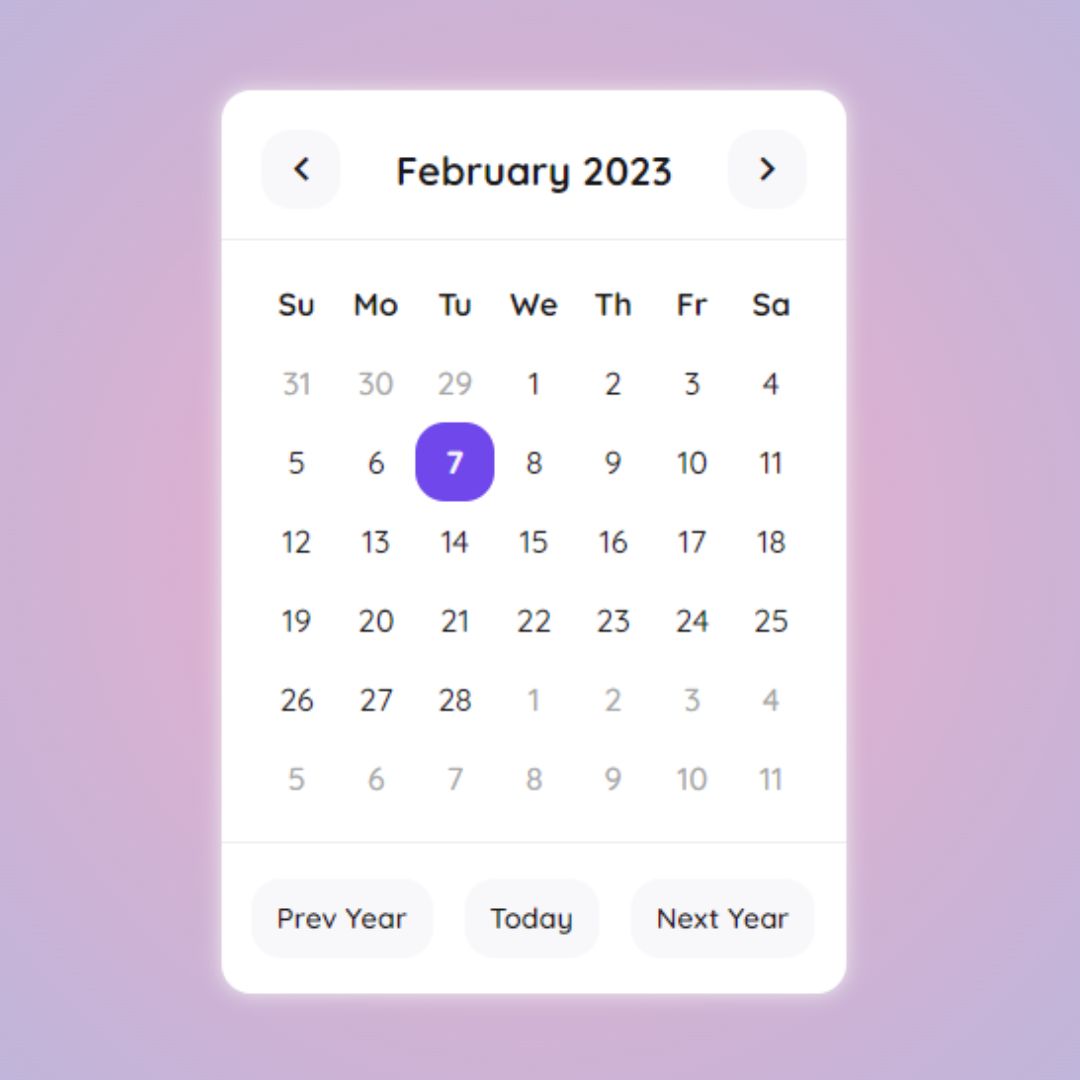
Dynamic Calendar
Dynamic Calendar is a visually engaging calendar created using HTML, CSS, and JavaScript, featuring a responsive layout that adapts to various screen sizes. It enhances user experience by providing an interactive way to view and navigate through dates, making your website more functional and user-friendly.