2 JavaScript Alerts
Modern JavaScript alerts are custom-built UI components used to display important messages to users. Unlike the native browser `alert()` function, which is blocking and cannot be styled, these custom alerts are non-intrusive, fully stylable with CSS, and provide a much better user experience for conveying success, warnings, or errors. JavaScript is used to dynamically control the entire lifecycle of these components. This includes creating and inserting the alert into the DOM, showing it with an animation, and handling its dismissal—either through a user clicking a close button or automatically after a set time using `setTimeout`. This provides a flexible and powerful way to deliver feedback. This collection showcases a variety of custom alert and notification systems built with JavaScript. You'll find examples of dismissible alerts, auto-hiding toast notifications, and different contextual styles. Explore these snippets to learn how to build a modern, non-blocking alert system that enhances communication within your web application.
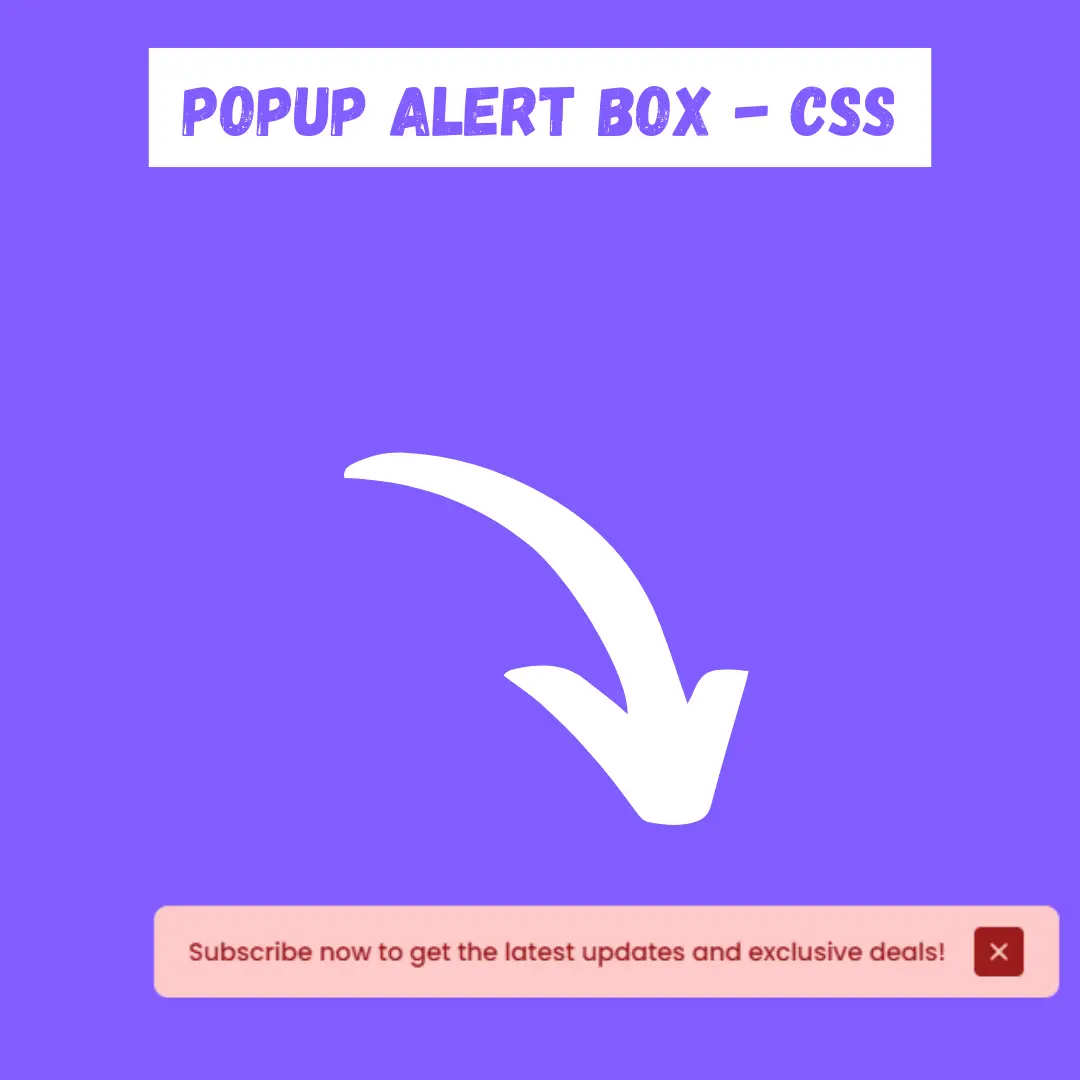
Popup Alert Box with Close Functionality
A Popup Alert Box is a web design component that displays a dialog box or pop-up window to provide users with important information or notifications. Built with HTML, CSS, and JavaScript, its purpose is to create a sleek and professional way to communicate with users without disrupting their workflow. This component is a great feature for displaying confirmation messages, warnings, or announcements, and its close functionality allows users to easily dismiss the pop-up when they've seen the message.
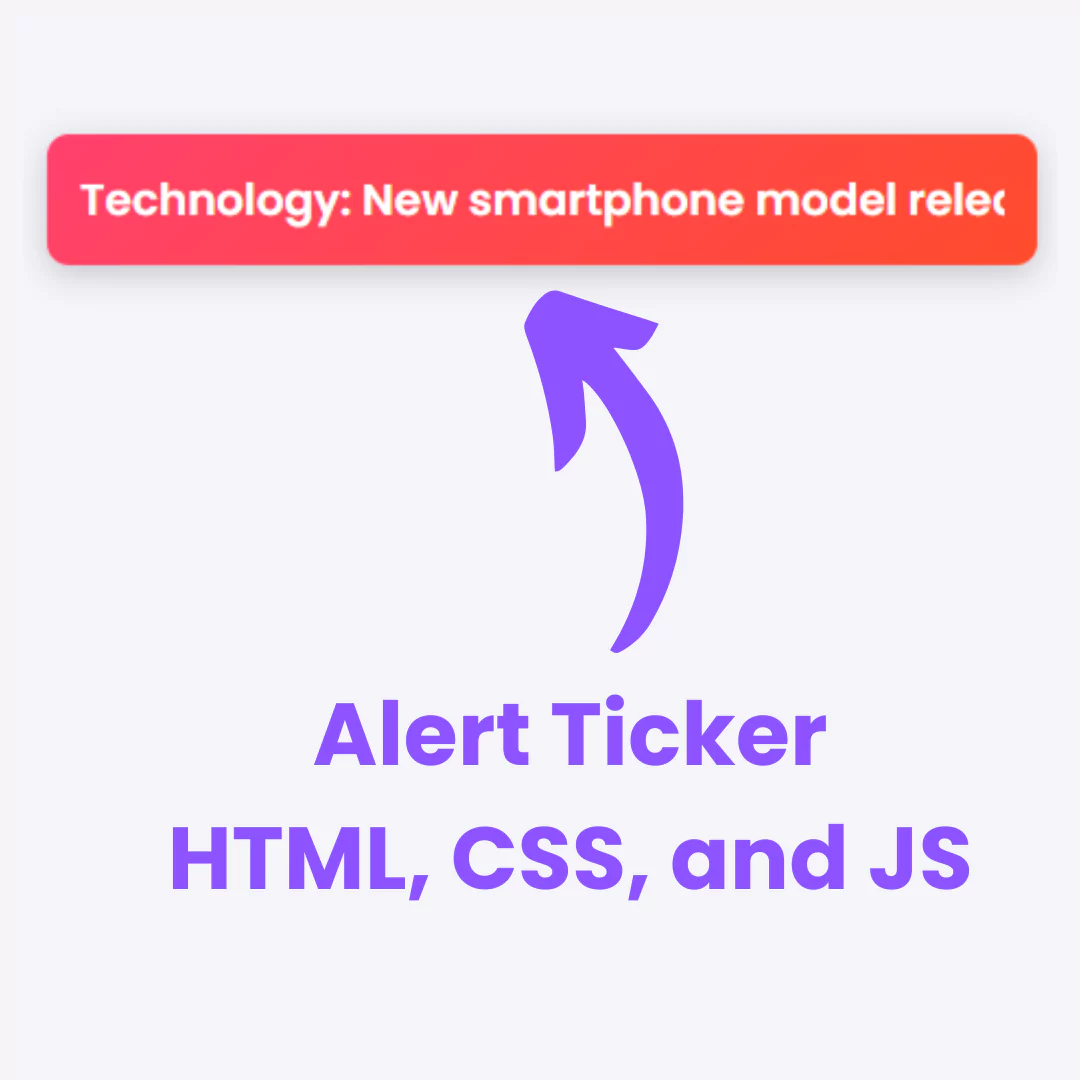
Alert Ticker
A Alert Ticker is a dynamic web component that displays a scrolling or sliding strip of important messages or alerts. Built with HTML, CSS, and JavaScript, its purpose is to ensure that key information, such as announcements, news, or promotions, is prominently displayed to users without being intrusive.