3 CSS Range Sliders
Default HTML range sliders are notoriously difficult to style and look inconsistent across browsers. With CSS, you can create fully custom and beautifully styled range sliders that match your website's design. This involves using vendor-prefixed pseudo-elements to target the track and thumb of the slider. Custom CSS range sliders provide a much better user experience for inputs like volume controls or price filters. This collection features a variety of custom-styled CSS range sliders. Discover different techniques and designs to create consistent and attractive sliders for your forms.

Horizontal Range Slider with Min–Max Labels
A sleek and modern horizontal range slider created using Pug and SCSS. The design features smooth gradients, a realistic metallic thumb, and subtle shadows for a polished 3D effect. It includes clearly marked minimum and maximum labels using a datalist for easy user reference.

Vertical Audio Equalizer Slider Controls
A beautifully styled vertical audio equalizer made with pure HTML, SCSS, and CSS3. Each range input acts as a frequency control knob, allowing users to adjust sound levels across different bands such as 320Hz, 600Hz, 1KHz, and more. The design features realistic slider tracks, subtle shading, and engraved ruler markings that mimic physical audio equipment.
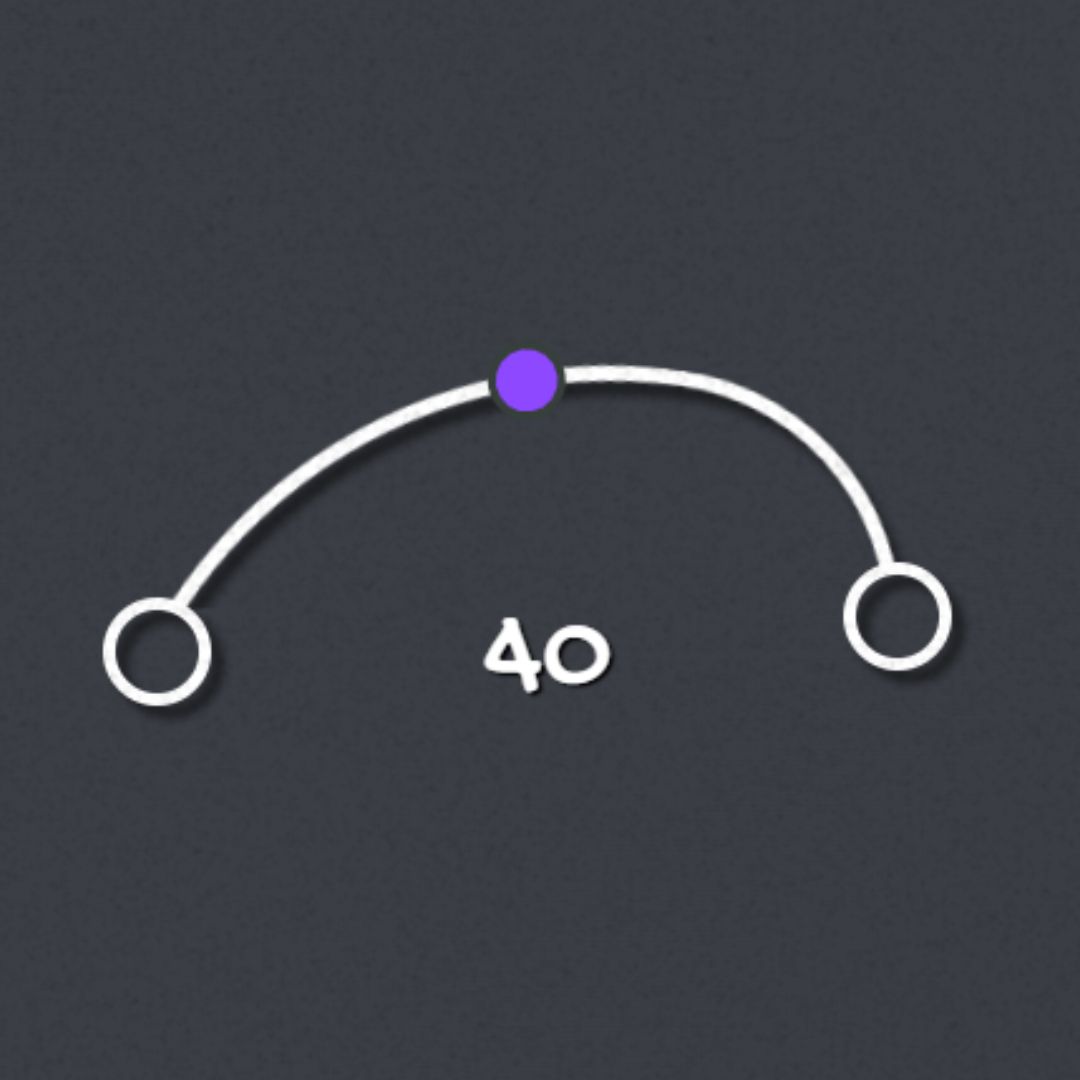
Curved Range Slider
Curved Range Slider is an interactive user interface element created using HTML and CSS, featuring a visually appealing curved design that allows users to select a value within a specified range. Unlike traditional linear sliders, this curved slider offers a more engaging and intuitive way to capture user input. It enhances user experience by providing a seamless and aesthetically pleasing interface for selecting values, making it popular in modern web design.