3 CSS Radio Buttons
Default browser radio buttons are often inconsistent and visually unappealing. With CSS, you can create fully custom radio buttons that match your website's design, providing a cohesive and polished user experience for forms where a single choice from a list is required. Customizing radio buttons involves hiding the default input element and styling a corresponding `<label>` or its pseudo-elements. This technique gives you complete creative control over the element's appearance in both its checked and unchecked states. This collection showcases a wide range of pure CSS radio button designs. Explore different styles, from subtle and minimalist to creative and animated, to enhance your web forms and provide a better user interface.

Subscription Tier Selector
A modern, interactive subscription tier selector that allows users to choose between Free, Solo, or Team plans. The component uses a rounded track with sliding indicators to highlight the selected tier. Hidden radio inputs ensure accessibility, while labels with span elements provide clear visual feedback. The Premium section features dynamic scaling and color changes when selected, creating a polished, responsive UI ideal for pricing pages or subscription-based applications.

Glowing Radio Button
A modern, glowing radio button effect that brings interactive UI elements to life. When selected, the radio button pulses with a soft neon glow that transitions between cyan and green, giving a dynamic “glowyness” effect. The design uses layered shadows and subtle gradients to simulate light reflection, and includes a smooth blinking animation for extra visual appeal.
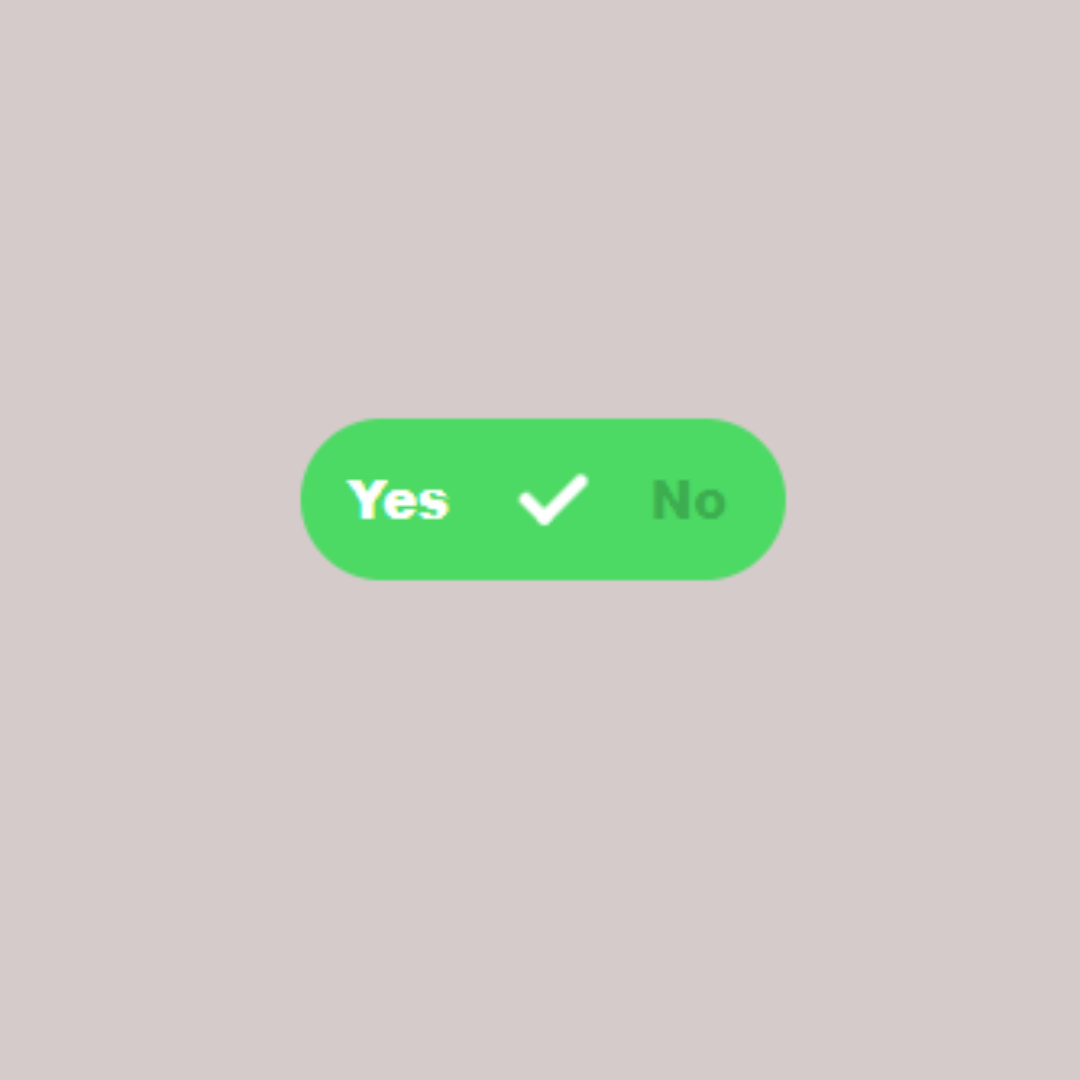
Radio Button
A Pure CSS Radio Button is a web design component that provides a visually enhanced and customizable alternative to the browser's default radio button. Built with HTML and CSS, its purpose is to improve the user interface and create a more modern look without relying on JavaScript. This component is a great example of how to use pure CSS to style interactive form elements and enhance the overall user experience.