3 CSS Pricing Tables
Pricing tables are essential for businesses to clearly present their subscription plans or product tiers. With CSS, you can design pricing tables that are easy to compare, visually engaging, and responsive. Using Flexbox or Grid, you can create multi-column layouts that adapt to different screen sizes. CSS can be used to highlight a recommended plan, style feature lists, and design compelling call-to-action buttons, guiding users towards a purchase. This collection showcases a wide range of modern and effective pricing table designs built with CSS. Explore different layouts and styles to increase your conversions.

Interactive Pricing Toggle with Animated Numbers
A modern pricing component that lets users switch between monthly and annual subscription plans with a stylish toggle. The design features scroll-driven animated number rolls for prices, visually emphasizing savings when choosing annual billing. Each plan highlights features with checkmark icons and provides distinct call-to-action buttons. Additional visual charm is added with a decorative SVG “balloon bear” illustration, giving the interface a playful yet professional feel.
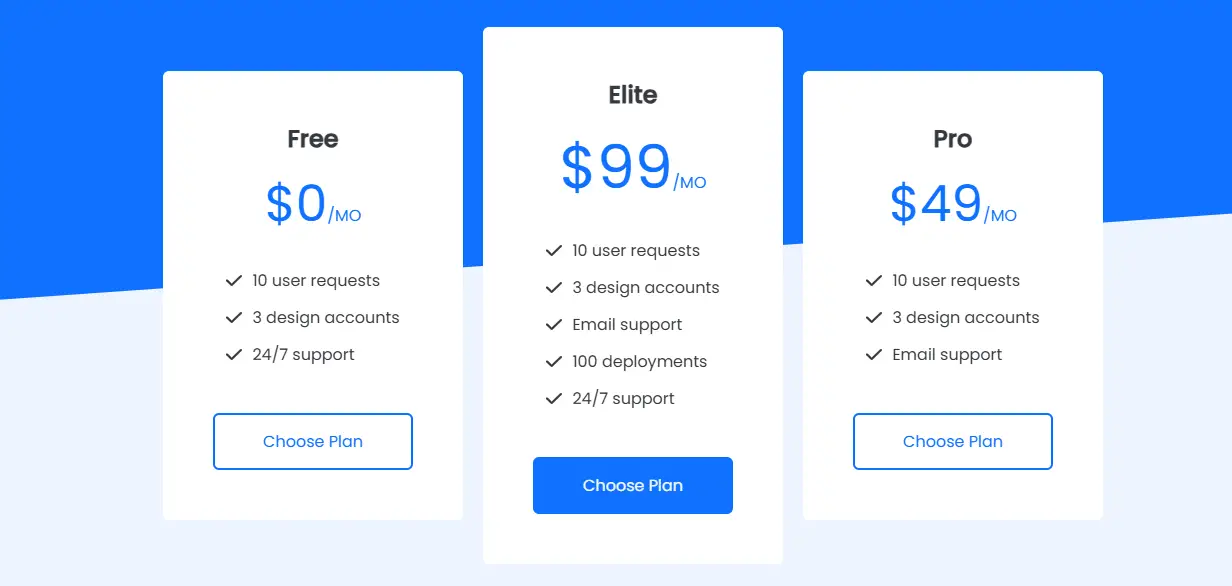
Pricing Card
This is a clean and modern Pricing Card component built using HTML and CSS. It showcases different subscription plans with details like plan name, price, features, and a call-to-action button. The design highlights the primary plan for emphasis and uses responsive layouts so the cards adapt perfectly to different screen sizes.
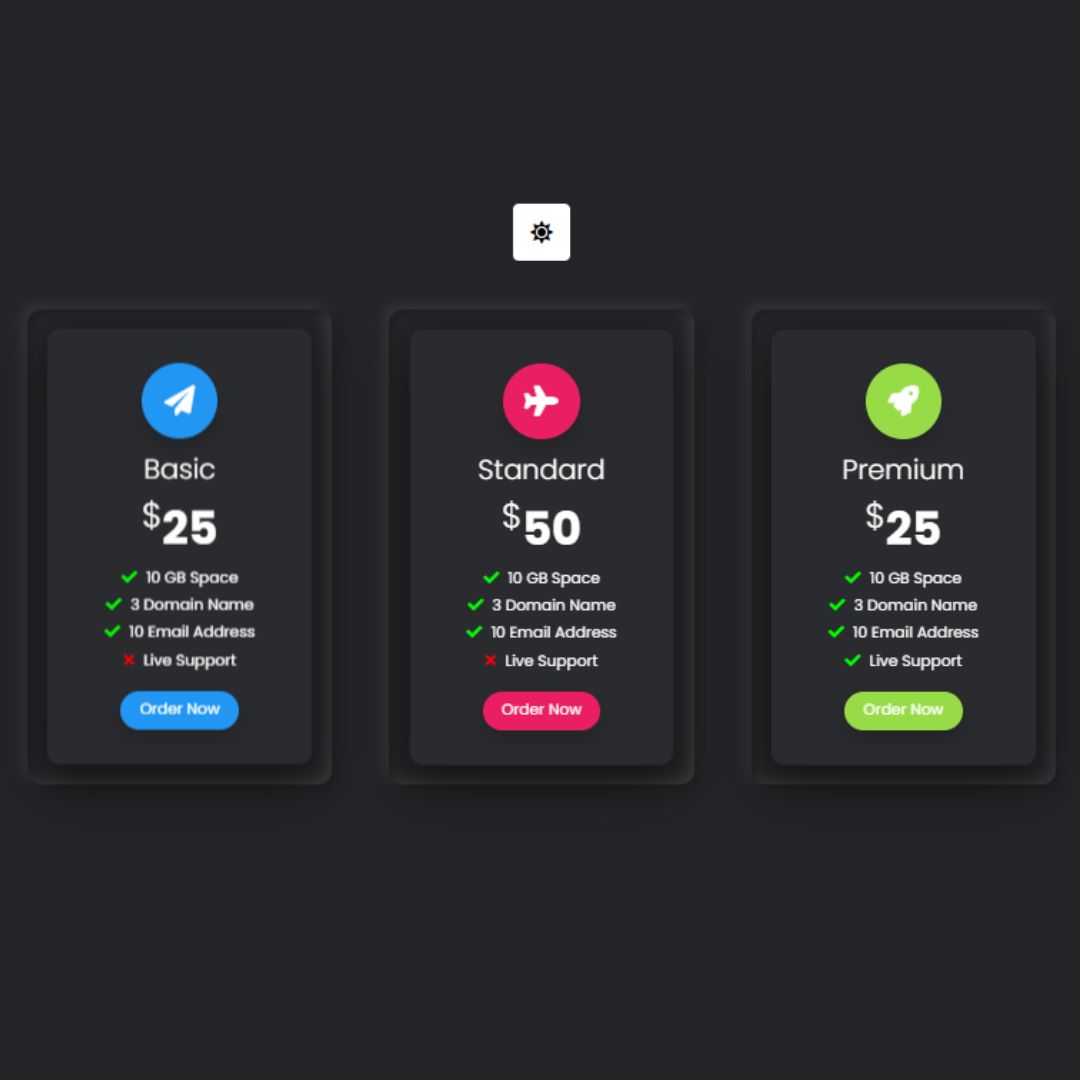
Pricing Table
Pricing Table is a visually appealing pricing table created using HTML, CSS, and JavaScript, featuring multiple pricing options with clear distinctions. It enhances user experience by providing a straightforward and organized comparison of different plans, making it easier for users to choose the option that best suits their needs.