4 CSS Hover Effects
CSS hover effects provide immediate visual feedback when a user interacts with an element, making a website feel more dynamic and responsive. Using the `:hover` pseudo-class combined with CSS transitions and transforms, you can create a wide range of effects, from simple color changes to complex animations on buttons, links, and cards. These microinteractions are key to a polished user experience, guiding the user and adding a touch of delight. This collection features an extensive variety of creative CSS hover effects. Discover inspiration for different UI elements to make your website more engaging and interactive.

Vertical Side Navigation with Profile Popover
This design features a sleek vertical side navigation bar with a floating profile popover. The avatar acts as a trigger to reveal a compact dropdown menu showing user information and a horizontal scroll of images, making it perfect for quick previews or galleries. Each icon in the nav includes a tooltip for actions like feedback, sharing, or viewing details.
Hover Zoom Effect Animation
A Hover Zoom Effect Animation is a visual web design technique that makes an image or card appear to zoom in or enlarge when a user hovers their cursor over it. Built with HTML and CSS, its purpose is to create a dynamic and engaging user experience. This effect is perfect for showcasing product details, portfolio items, or image galleries, as it draws the user's attention and makes the interface feel more interactive and modern.
Logo Hover Effect
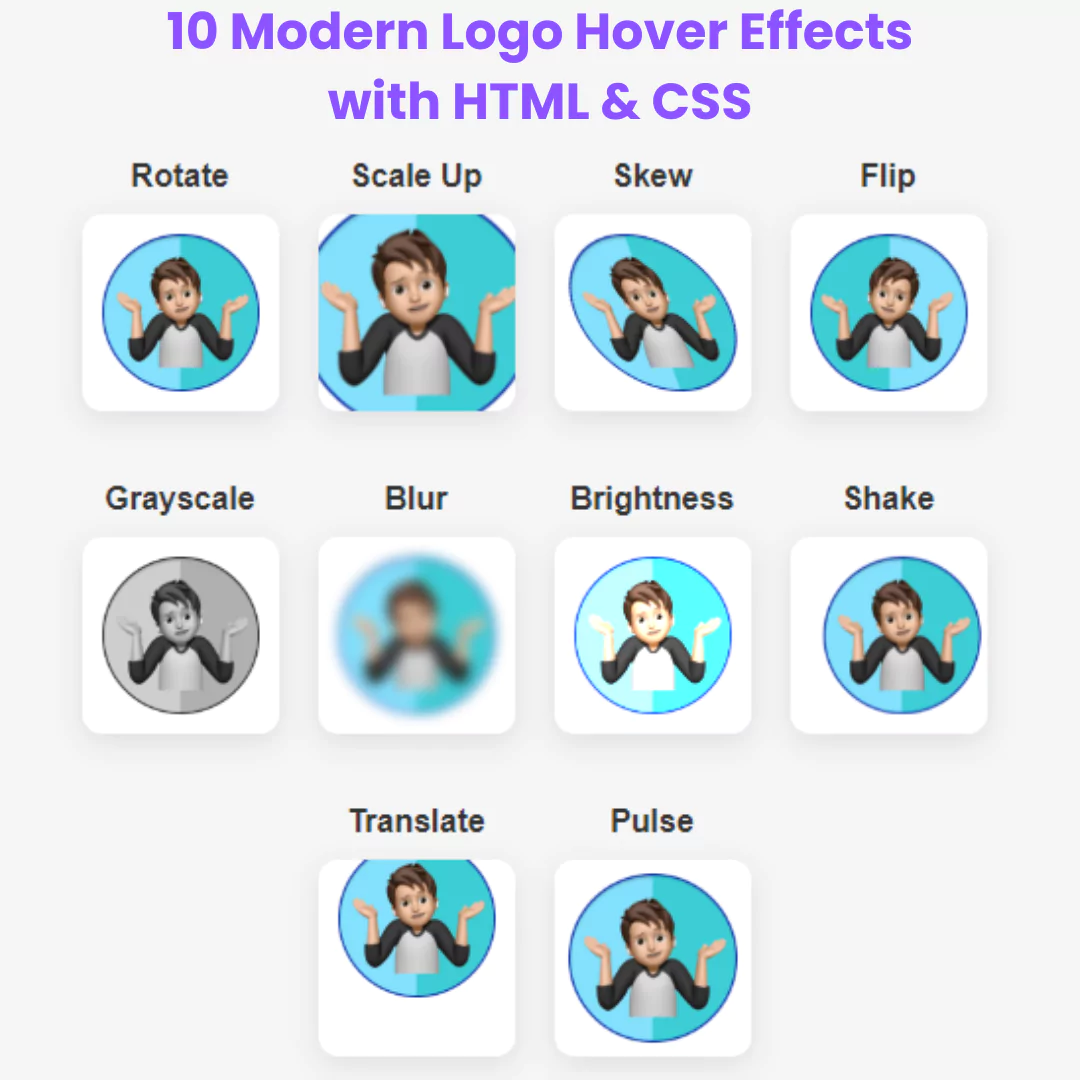
A Logo Hover Effect is a visual web design technique that adds a dynamic animation to a logo when a user hovers their cursor over it. Built with HTML and CSS, its purpose is to create a captivating and professional user experience.
Underline Hover Effect
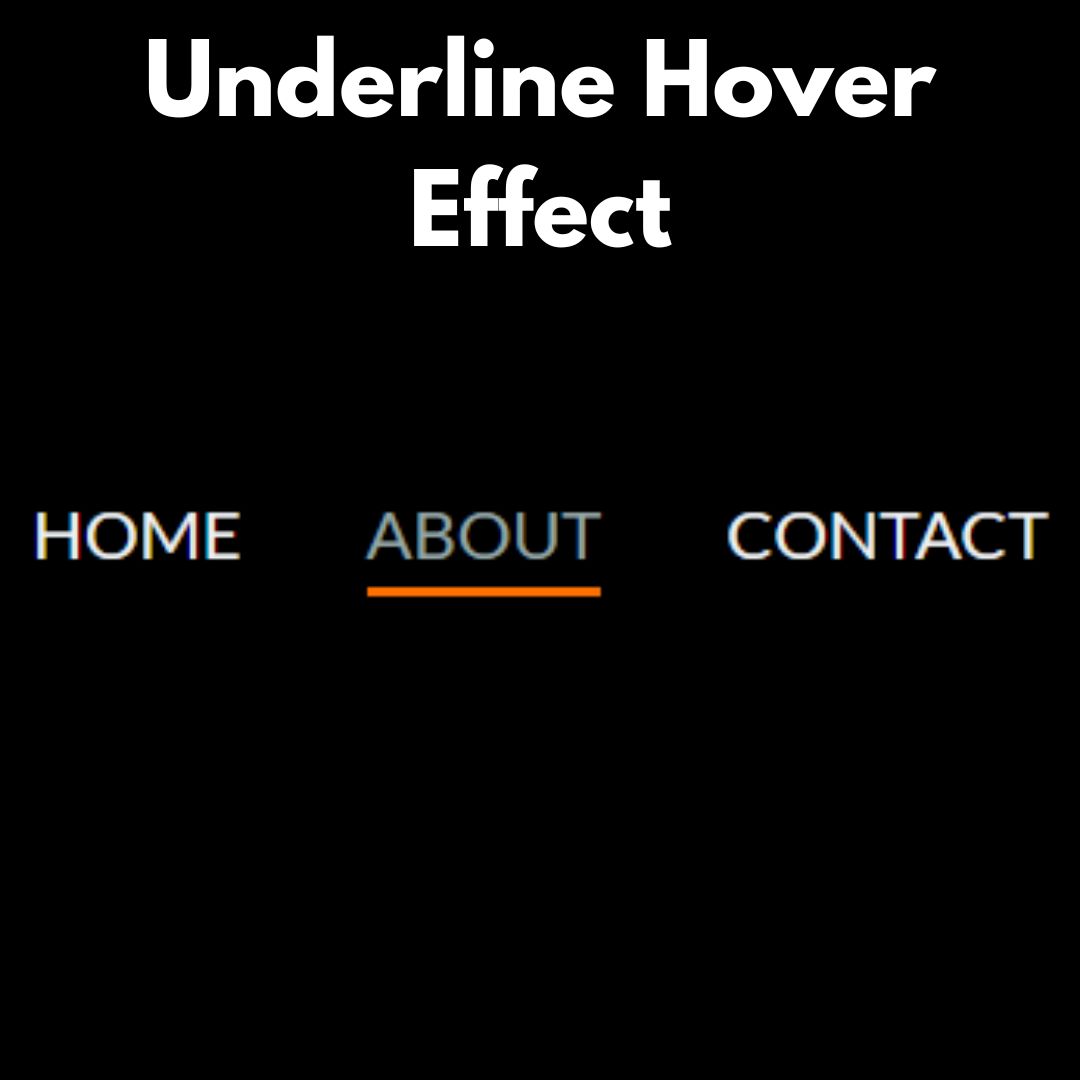
An Underline Hover Effect is a visual web design technique that makes a line appear beneath text when a user hovers their cursor over it. This effect is created using a combination of HTML and CSS without the need for JavaScript.