5 CSS Forms
Styling forms with CSS is essential for creating a consistent and branded user experience. Default browser styles for form elements are inconsistent and often unattractive. With CSS, you can customize the appearance of inputs, textareas, buttons, and other form controls to match your website's design. Modern CSS techniques allow for creative and user-friendly form designs, including custom focus states, floating labels, and animated validation messages. This collection features a wide range of beautifully styled CSS forms. Explore different design patterns and styling techniques to elevate your web forms.

Elemental Forms - Custom Styled Form UI
A visually engaging form UI showcasing custom-styled form elements in both light and dark themes. Inspired by the Avatar universe, it features text inputs, select dropdowns, radio buttons, checkboxes, toggle switches, range sliders, color pickers, and textareas—all styled for a modern, interactive experience.
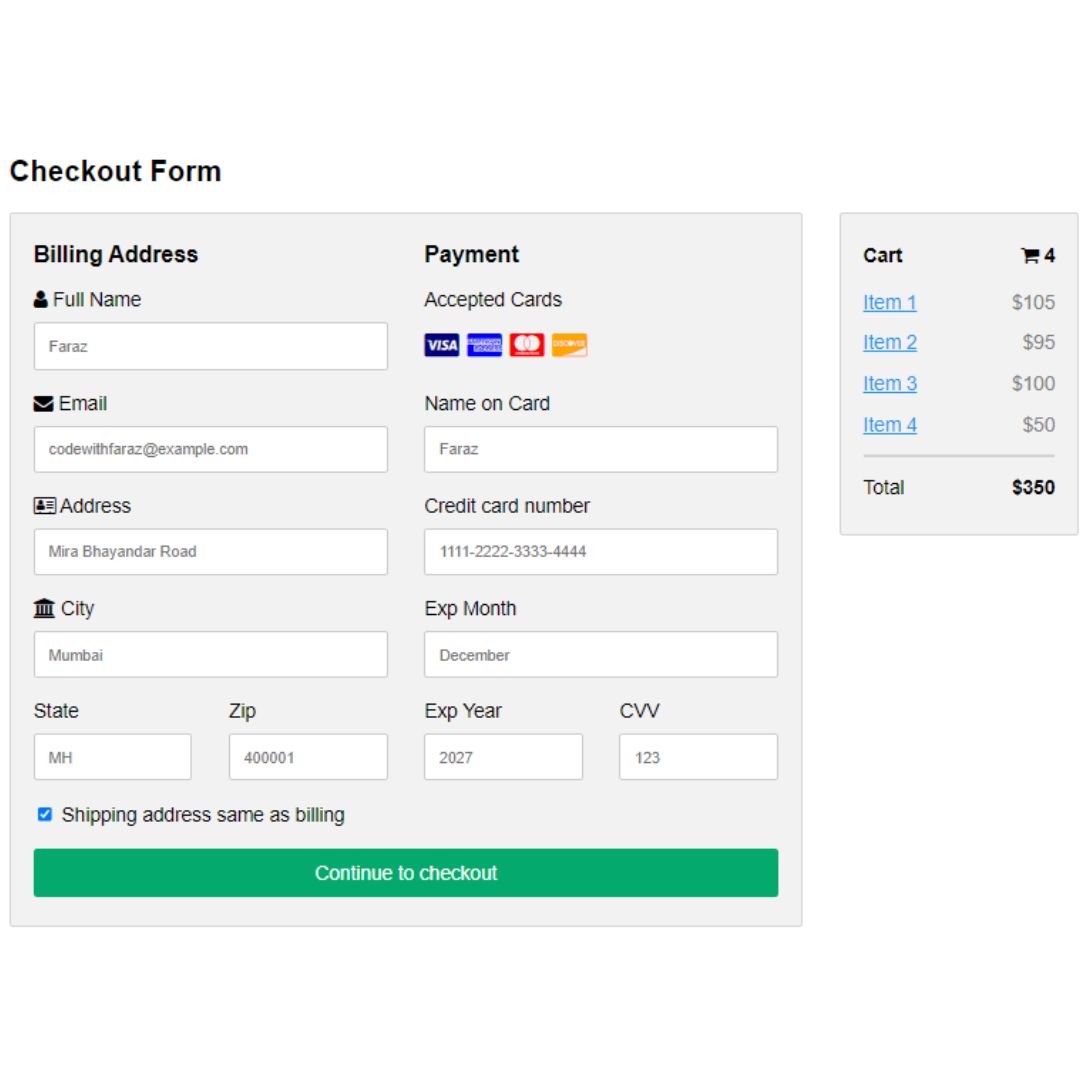
Checkout Form
A Pure CSS Responsive Checkout Form is a fundamental web design component that provides a streamlined and mobile-friendly interface for online payments. Built with HTML and CSS, its purpose is to create a clean, professional, and user-friendly checkout process without the need for JavaScript.
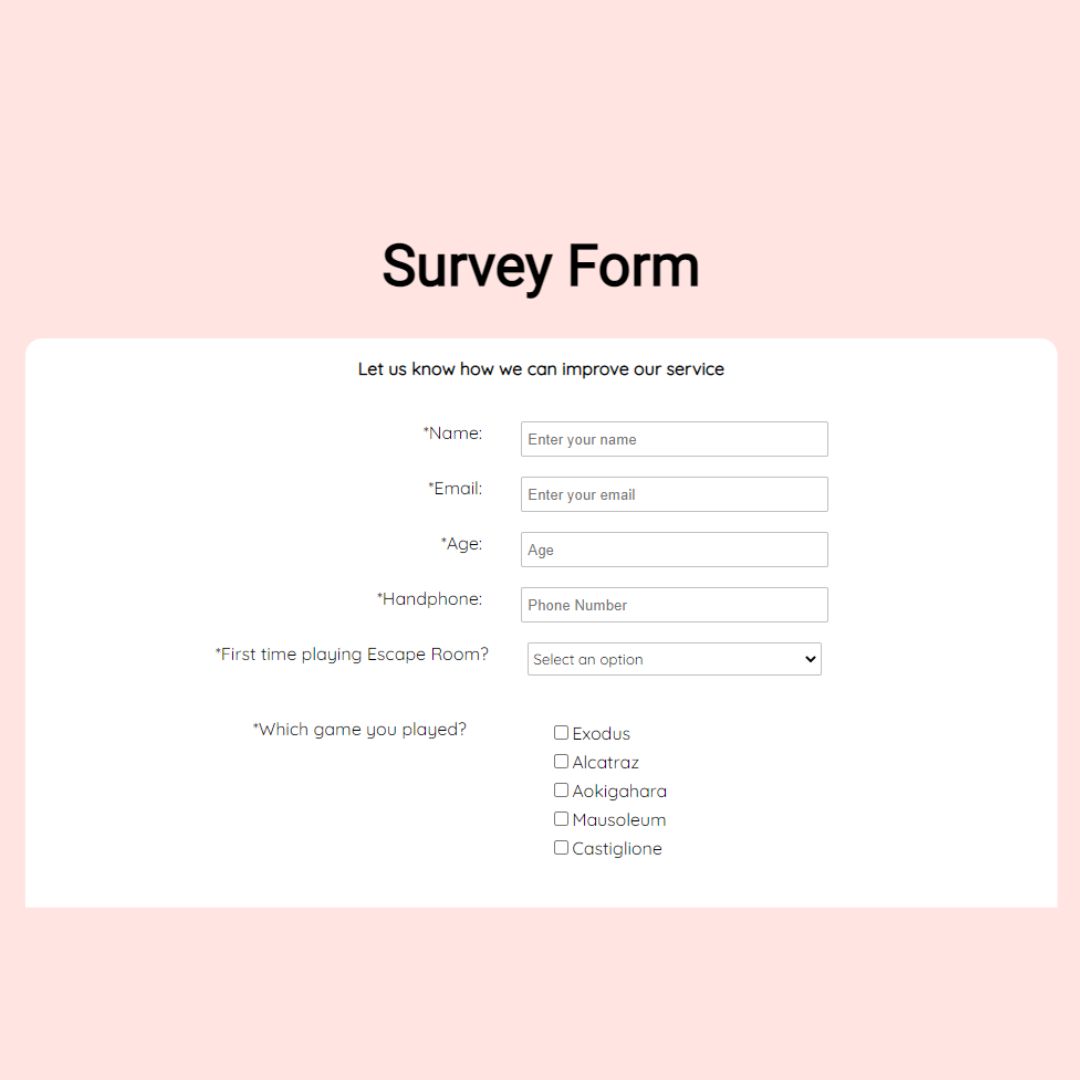
Survey Form
A Survey Form is a fundamental web component used to collect data and feedback from users. Built with HTML for its structure and CSS for styling, its purpose is to create a clean, organized, and professional interface. This form is a key feature for businesses and researchers to gather valuable information, understand user preferences, and improve products or services.

Airline Booking Form
A User-Friendly Airline Booking Form is a web component that provides a streamlined interface for travelers to search and book flights. Built with HTML and CSS, its primary purpose is to simplify the booking process.
Comment Box
Responsive Comment Box is a visually appealing comment box created using HTML and CSS, featuring a clean and modern layout with input fields for name, email, and comment. The design is responsive, ensuring a seamless experience across devices. This component enhances user experience by providing an intuitive and user-friendly interface for submitting comments, making your website more interactive and engaging.