4 CSS Animations
CSS animations allow developers to create movement and transitions on a webpage without relying on JavaScript. Using `@keyframes`, `animation`, and `transform` properties, you can animate elements to create engaging user experiences, from subtle loading spinners to complex interactive effects. This enhances a site's visual appeal and provides valuable user feedback. Pure CSS animations are lightweight and performant, as they can be hardware-accelerated by the browser. They are perfect for microinteractions, page transitions, and hover effects. This collection features a wide array of stunning CSS animation examples, showcasing creative keyframe animations, 3D transforms, and intricate visual effects to inspire your next project.
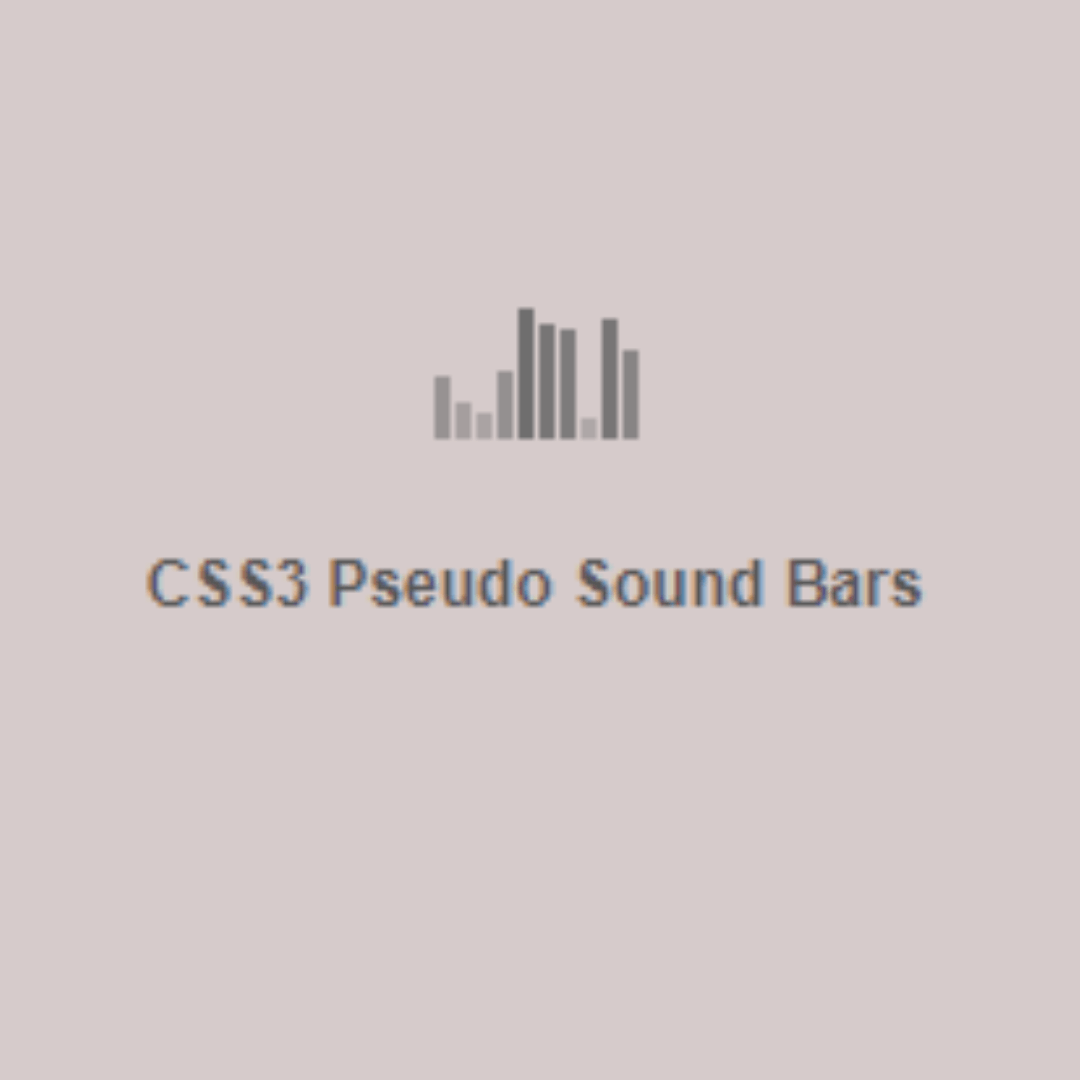
Sound Bars
A Pure CSS Sound Bars Animation is a visual web design element that creates a dynamic animation of sound bars, often used in music or audio-related websites. Built with HTML and CSS, its purpose is to provide a visually engaging and modern way to represent sound activity. The animation makes the bars appear to react to sound in a rhythmic way, adding a unique and interactive touch to the user interface.
Pulse Effect
A Pulse Effect Animation is a visual web design technique that creates a rhythmic, pulsating glow or expansion around a web element. Built with HTML and CSS, its purpose is to draw a user's attention to a specific element, such as a button, icon, or a notification.
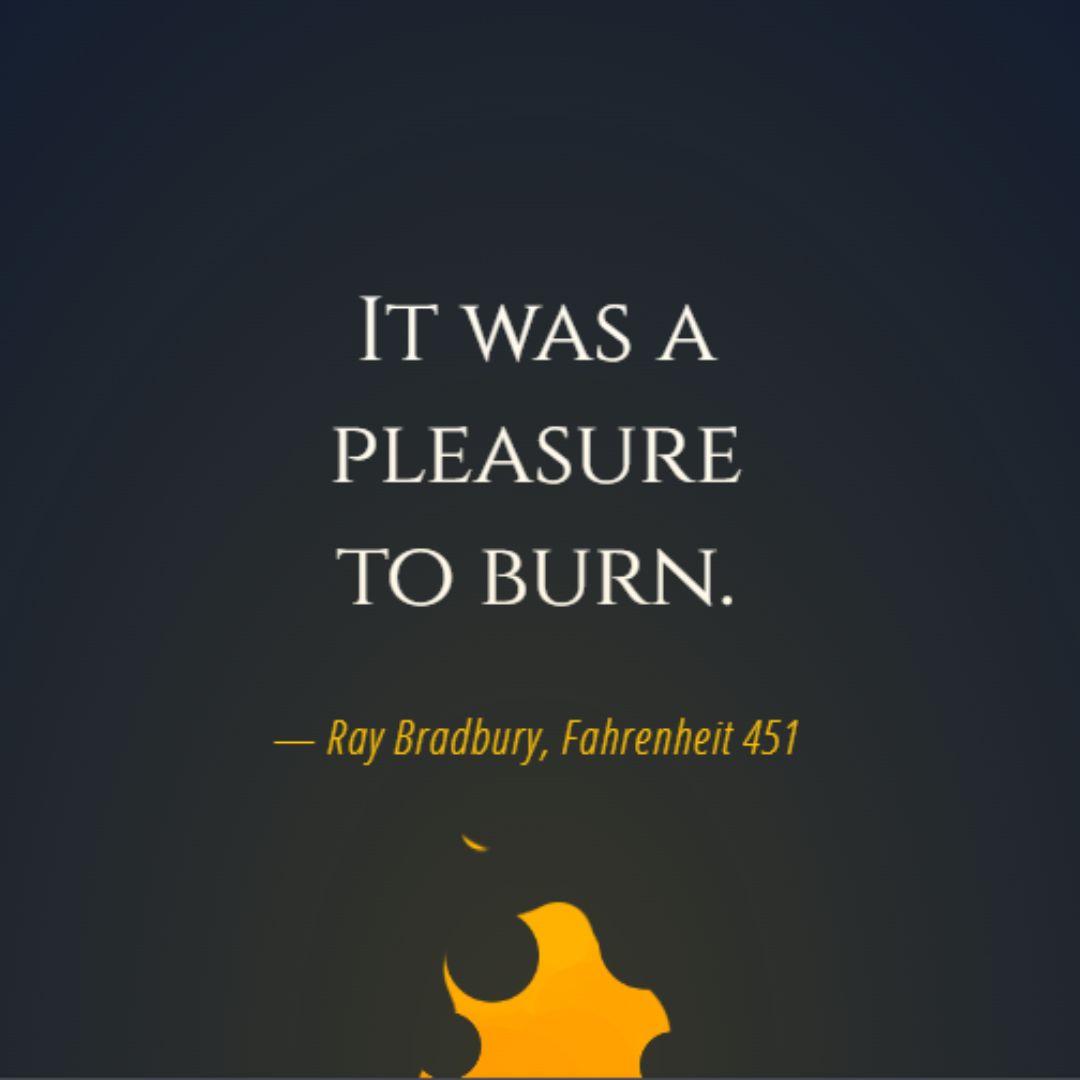
Fire Animation
A Fire Animation is a dynamic web design effect that creates a realistic flame-like animation. Built with HTML and CSS, its purpose is to add a captivating and dramatic visual element to a webpage. This effect is often used for hero sections, titles, or backgrounds to create a memorable and engaging user experience. It's a great example of how to use CSS to create complex visual animations without relying on JavaScript.
.jpg)
Animated Wave Banner
A Animated Wave Banner is a dynamic web design element that adds a captivating visual effect to a website's banner or hero section. Built with HTML and CSS, its purpose is to enhance the user experience and create a professional, modern look.